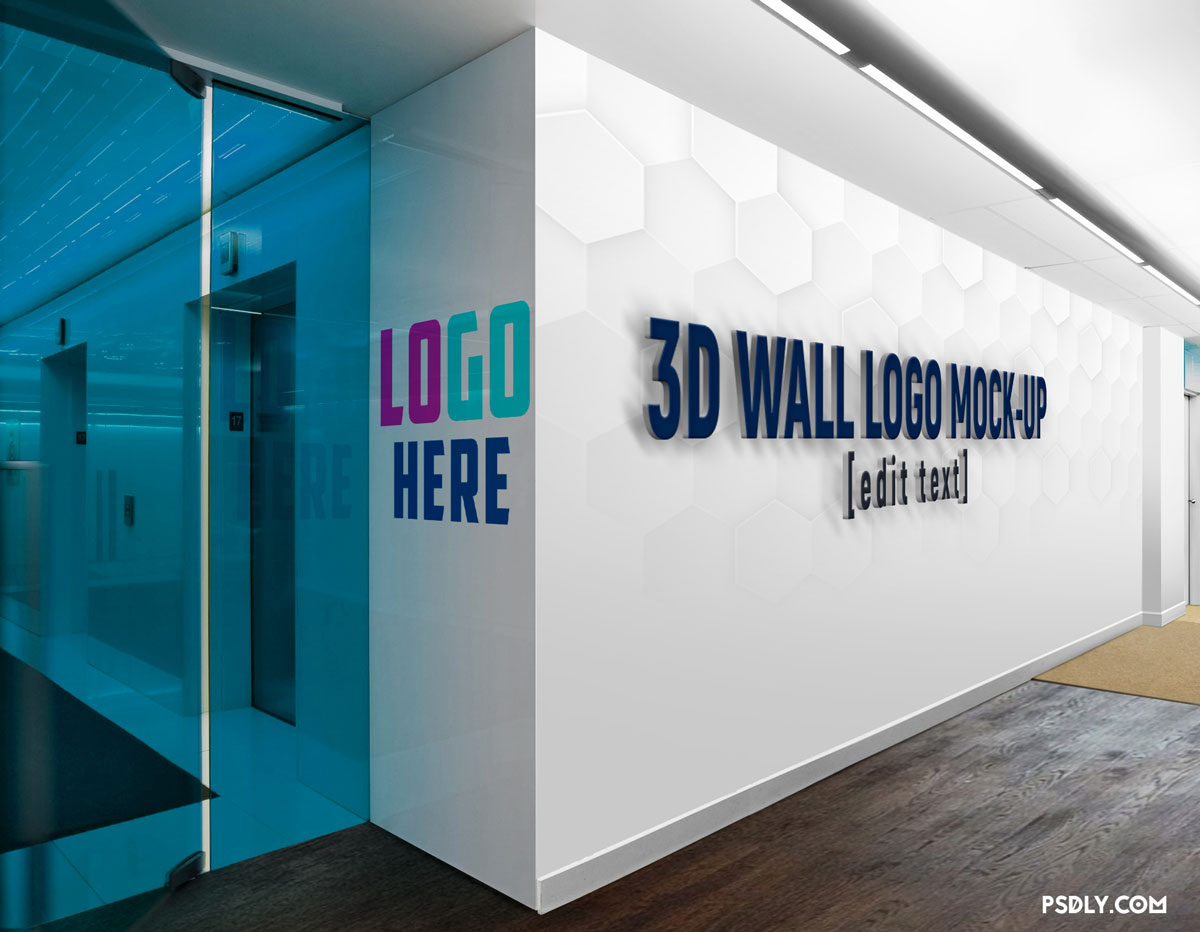
. This Great.PSD Mockup Template Will Definitely Help You Present Your Logo Design And It Also Can Make Your Design More Interesting Giving You The Opportunity To Add A Company Slogan Or Tagline In A Super Polished Way With A 3D Effect On The Wall.
Using This Mock-Up Is Very Easy No Matter If You’re A Junior Or Expert Designer. All You Have To Do Is To Open The .Psd File Using Adobe Photoshop CS6 Or Above.

Then You Can Find The 2 Smart Layers Named [Logo Here] And [Company Slogan Here]. Double Click Each Of Them And Add Your Graphics Assets Properly Adjusting The Size And Position.
This Awesome Mock-Up Comes Up With 5 Different Background Variations Which You May Choose By Simply Setting To Visible The Layer Accordingly To The One You Want To Us, Of Course Before Exporting As.Jpeg