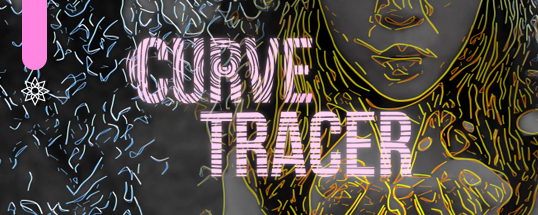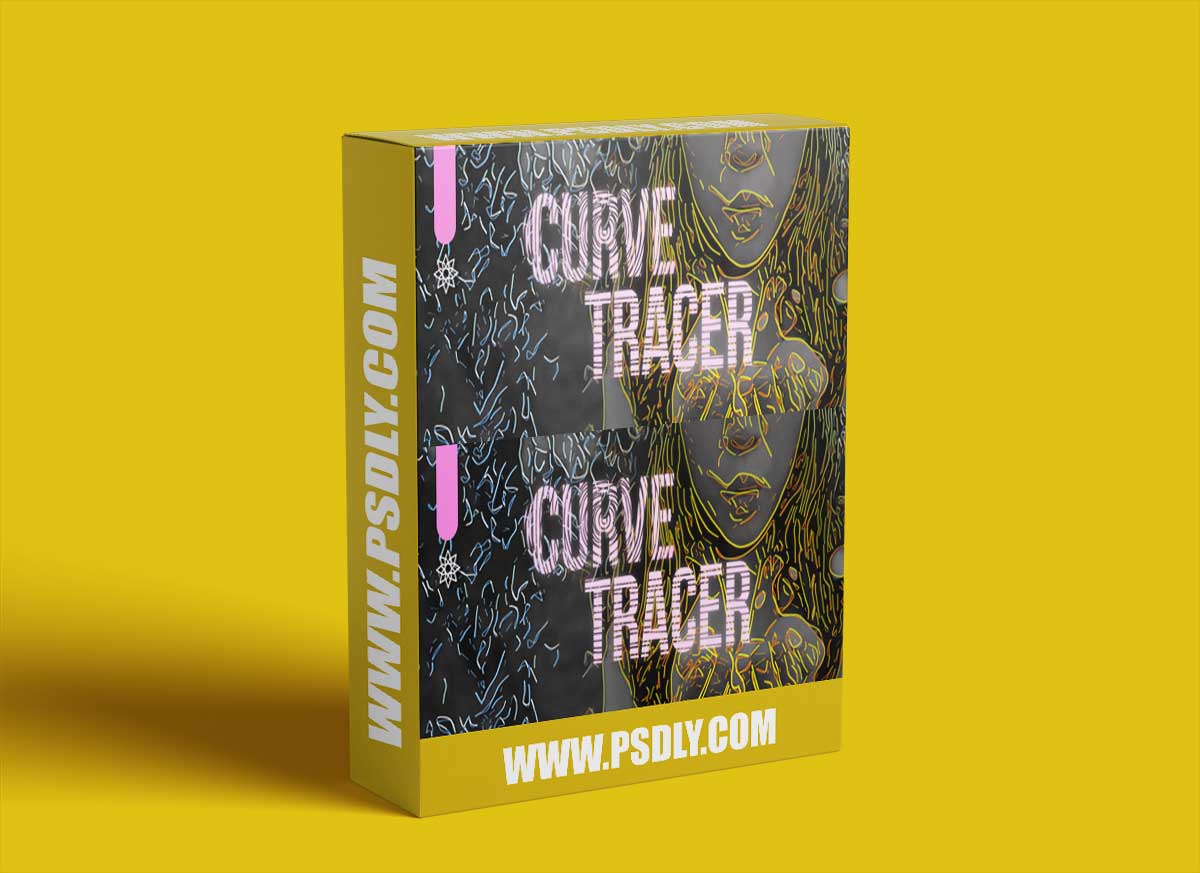
Curve Tracer plugin simulates the process by which an artist creates a drawing by pencil. The drawing is an abstract rendition of another, full color image or animation. The artist would first make a few “sketching” curves, which serve as a rough estimation of the shape of the final drawing. Then they would continue with the main – more detailed – curves that may also be shaded so as to convey a sense of depth.
The filter works by analyzing the edges / contours of the incoming image and converting them to a collection of splines (curves). These curves are then smooth or decimated in vector space, and finally rendered as continuous segments. A post-processing step adds colors and a light “bloom” effect, to aid realism.
- Preset – Start from scratch or apply one of twelve presets for various styles.
The image needs to be converted to a map of edges, as a binary image. For this, we use Canny edge detector, a technique that is widely adapted and used in computer vision systems.
- Image Smoothing – Application of Gaussian smoothing before Canny edge detection – to smoothen out edge transitions.This will eliminate high frequency noise so that splines are more organic.
- Low Limit – First limit for the hysteresis procedure (during Canny).
- High Limit – Second limit for the hysteresis procedure. The two limits decide on which edges are kept and which are discarded. The pixel gradient values that lie above the low values are kept, and those below are discarded. Those in-between have special rules based on connectivity. These values are best explored via trial and error. A value between 2:1 to 3:1 ratio between the Limit values is recommended.