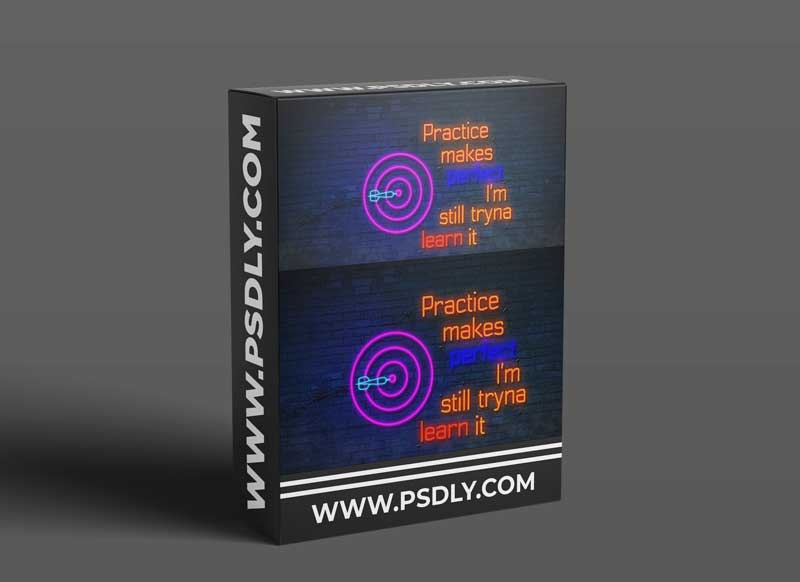
In this course, we will learn how to create neon-looking animations in After Effects.
We will use different techniques and create this neon sign animation.
- We will create a brick background.
- We will create neon visuals in After Effects.
- Then we will make them glow and blink.
- In the end, we will add some smoke and some wiring to make the scene look even better.
I will show you everything step by step, so you will be able to make your neon animation even if you never used After Effects before. At the end of the course, you will have good knowledge of creating neon looks. Follow my instructions and make your video in the way that you like.
Source
https://www.skillshare.com/classes/Animated-Neon-Sign-in-After-Effects/1506701941
Category
Publisher
skillshare
Updated
August,26, 2021
Preview
1 image
Download File




