Source
https://mediabyav.com/store/p/av-film-sims-bundle
Category
File Size
61KB
Publisher
mediabyav
Updated
June 14, 2025
Description
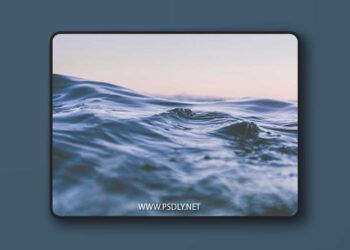
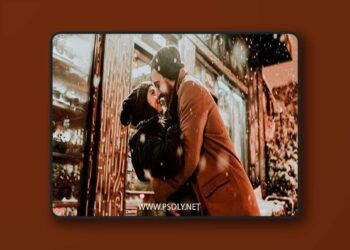
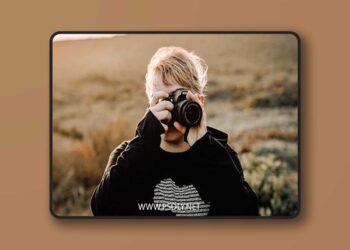
- Film-inspired presets for Adobe Lightroom photo-editing.
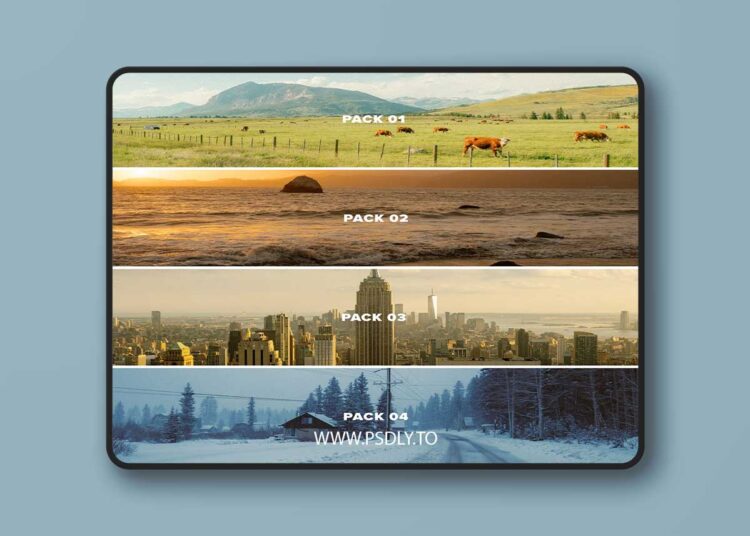
- This bundle provides all of the AV FILM SIMS from all four preset packs I’ve released in this series, 16 presets in total. 90%+ of my Instagram feed is edited with these presets as a base
- These are stylized, film emulation presets made for Lightroom editing.
Includes:
- AV FILM SIMS
- AV FILM SIMS 02
- AV FILM SIMS 03
- AV FILM SIMS 04
Note: these are for DESKTOP.
How to download & install:
- Once you checkout from my site, you will be given access to the digital download.
- Download & unzip the “zip” file.
- Open LR -> File -> Import Develop Profiles and Presets.
- Navigate to the unzipped folders and select them.
- Click “Import.”
How to edit photos using these presets:
- Ensure the image is properly exposed. Adjust the exposure slider (increase or decrease) until your exposure is even.
- Apply the preset you like.
- Make other adjustments as needed (e.g. adjust the main “Contrast” slider to best fit your image). Explore the Tool Kits provided in Pack 01 & Pack 02.
- You’re done!
To customize using the tool kits from Pack 01 & Pack 02:
- Follow the steps above.
- Open the “Tool Kit” from either Pack 01 or 02.
- Explore 1-click adjustments listed in the tool kits. Mix and match for custom, unique looks depending on your scene!
Example: Apply the “Late One Night” preset, but then explore the alternate white balances from the Tool Kit (WB ALT). Fun way to mix and match pieces of each preset to create your own look.
Preview
1 image
Download File