Source
https://blendermarket.com/products/petik
Category
File Size
26KB
Publisher
blendermarket
Updated
January .24, 2025
Description
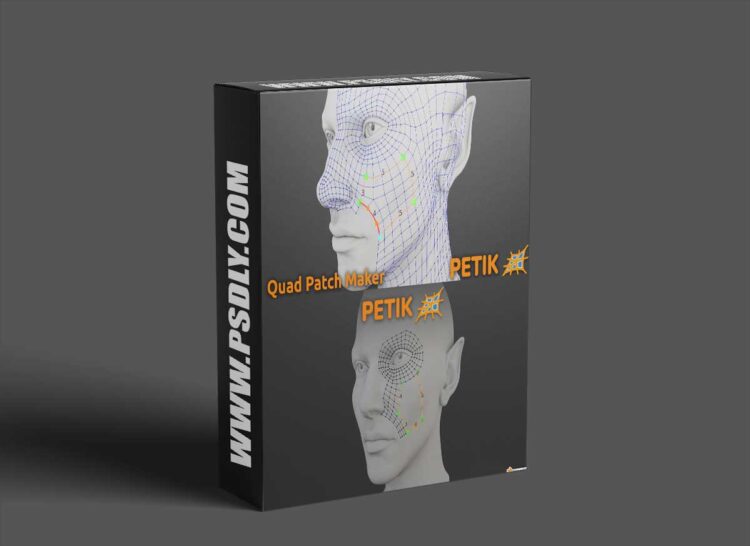
Version 2.0 is up and running! The biggest feature is the multi patch! Now you can create and control multiple patches at a time. Just place the control lines and Petik will figure out the rest.
To select the active control point just Ctrl+Right Click the desired point and then Click for a new control point or Right Click an existing vertex. Petik will create a control line between the points. If there are loops defined by the control lines it will automatically create a patch.
Preview
1 image