Source
https://blindusk.com/products/dream-haze-effect
Category
File Size
2.9MB
Publisher
blindusk
Updated
February 12, 2023
Description
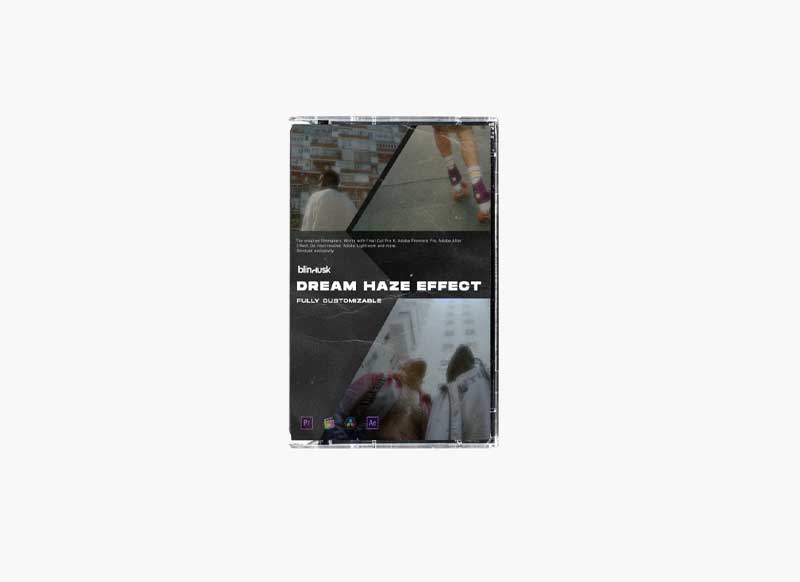
- Several test rolls and a lot of experiments have brought us to a point, simply drag and drop the file into your timeline and get THE LOOK.
- Drag an adjustment layer above the clip(s) you’d like to apply to and simply apply the preset to the adjustment layer
- Bloom your highlights, soften those skin tones, lift that contrast and get the Dreamy Blur look.
- No plugins required, works in Adobe Premiere Pro, Final Cut & Davinci Resolve
- No matter what resolutions your projects call for needs either now or in the future, you’ll be able to cover every pixel in stunning Dream effect.
- Easily blend with on-set diffusion to add to your scene. Perfect for refining a dream sequence or adding emotion to a shot.
- Instant Dream Look
- Fully Customizable
- Reduces Noise in Footage
- No plugins required, works in Adobe Premiere Pro, Final Cut & & Davinci Resolve
- Instructions Included
- No installation needed
- No guess work – Drag and drop the file into your timelin
Video Preview
Download File