Source
https://assetstore.unity.com/packages/tools/utilities/build-report-tool-8162
Category
File Size
569 KB
Publisher
Anomalous Underdog
Updated
October 20, 2025
Description
Trying to reduce your game build to less than 50 MB? Need to see which of your assets are eating up disk space?
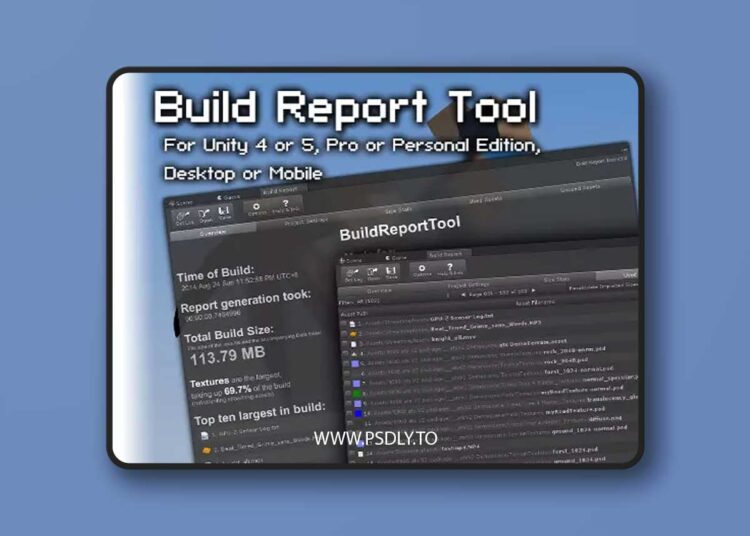
This tool provides a nice front-end for Unity’s build info. It shows the assets included when you build and how much storage space each of them take.
WARNING: This plugin does not detect the building of Asset Bundles or Addressables. That includes usage of plugins like VRWorld Toolkit.
- Asset Usage/Dependencies: See which asset is using which, to let you understand why an asset is being included in the build.
- Unused Assets List: Maybe you have files you don’t use anymore? See what assets are not included in your build with the Unused Assets List!
- Save to XML: Save your build reports to XML files! Store multiple build reports for reference, or perhaps send them to your teammates.
- Project Settings: See what build settings were used on the project upon time of building. Useful for Continuous Integration systems when reviewing settings on automated builds.
- DLL List: See exactly what managed DLLs are getting included in your build and how much space they take.
Preview
2 images 1 / 2

2 / 2