Source
https://carvinci.com/b/motionblur
Category
File Size
20KB
Publisher
carvinci
Updated
December 27, 2025
Description
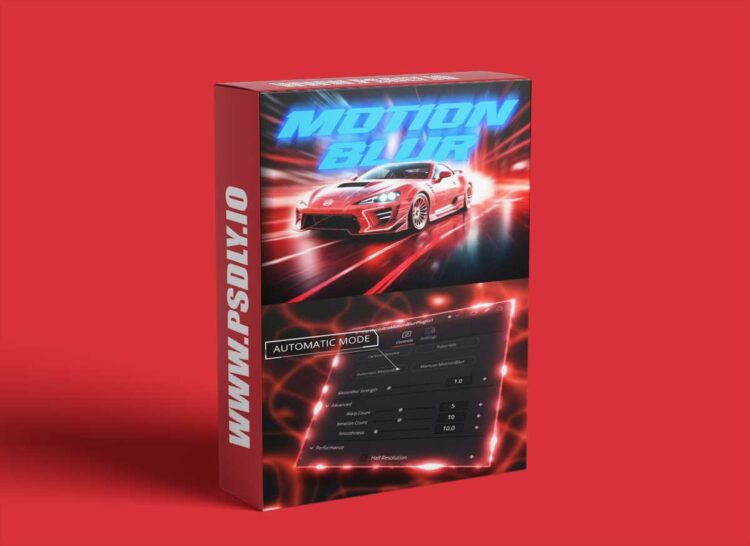
This Plugin works in the Free and in the Studio Version of DaVinci Resolve, You also get lifetime updates and support for this Plugin
HOW TO USE: Just doubble click the DRFX file, Open DaVinci Resolve, Click on Install, Go to Effects Libary (If you can’t see it: restart DaVinci Resolve), Search for CarVinci Ultra Motionblur Plugin, Drag and Drop on your clip, Adjust the Motionblur Strength, adjust the Curve how you want, Done!!!
Preview
1 image
Download File