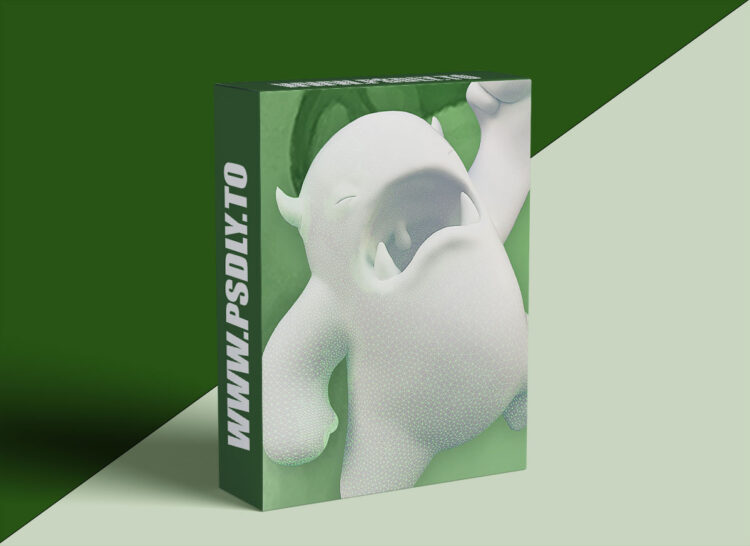
This course is about introducing you to digital sculpting with Blender. In the first chapter you will get an overview of Sculpt Mode and it’s settings/features including brushes, stroke methods, curve falloff, and brush textures (stamps/stencils). Blender has a lot of sculpting features – it’s good to be aware of them! Chapter 2 covers digital sculpting “mediums” which are similar to the variety of clays that can be sculpted traditionally. Blender supports 2 mediums: Multi-resolution and Dynamic Topology. Each have their pros and cons and uses depending on the sculpting situation. In the last chapter we’ll finish with a workflow demonstration of sculpting a simple character: One of the CGC mascots, Melvin! The chapter concludes with an exercise for you to practice and apply what you’ve learned in the course.





