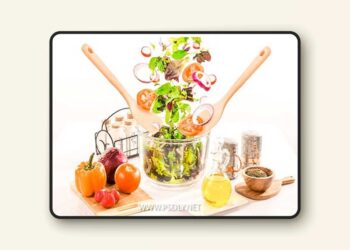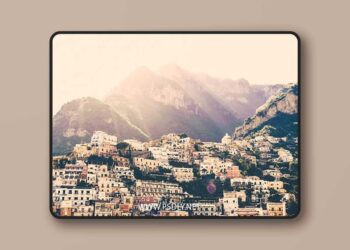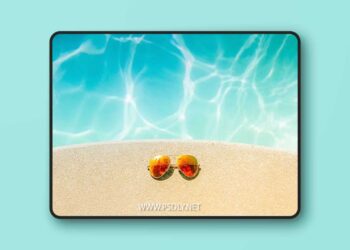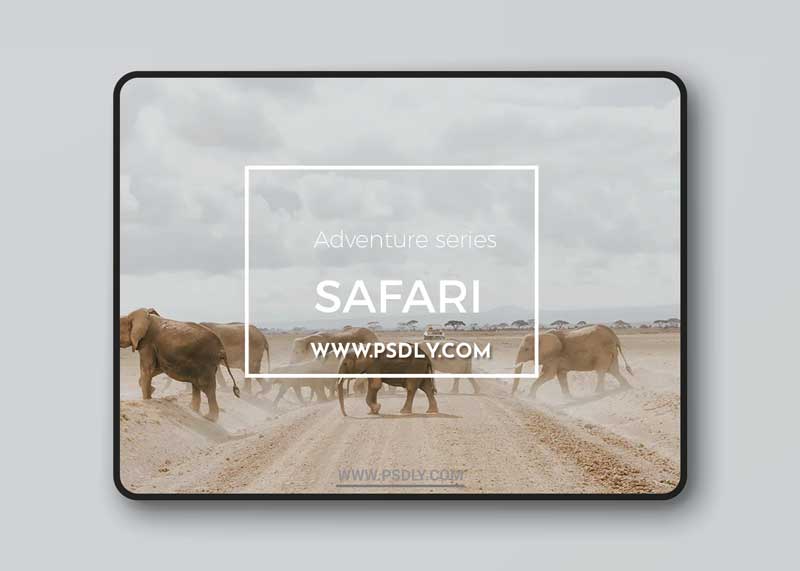
Safari is part of the Adventure Series presets- it has faded highlights and a creamy tone- creating a mellow dreamy character for you travel, wildlife, portraits, and landscape images.
__ //COMPATIBILITY//
- Best results are with RAW/DNG files. Results with Jpeg files are unpredictable.
- Compatible with Lightroom 6 and CC
__ It also comes with 2 extra versions of the preset: a minus- (decreased) version for a subtle edit, and a plus (increased version)
//Instructions and troubleshooting//
Installing:
After downloading presets into your folder of choice, open Lightroom and right-click on the folder you want to import the preset into. Click ‘import’, and select the downloaded preset.
Using the preset:
Get the right colour temperature and exposure in your image first, then click on the preset for the A6 edit. You may need to fine tune the exposure after the edit has been applied.