Source
https://coloso.global/en/products/3dartist-timohelgert-us
Category
File Size
44.3 GB
Publisher
Timo Helgert
Updated
May 19, 2025
Description
Discover how to build and animate everything from the tiniest elements to an entire beautifully crafted scene. Want to take your work to the next level? Embark on an insightful journey with Timo Helgert as he guides you through the surreal world of art and helps you reach beyond your creative limits! Get to know everything from basic 3D tools, useful theories, and setting up scenes to fully animating them so you can bring your surreal dream worlds to life. You’ll even learn how to create your very own unique assets!
Class Highlights:
- Create a Surreal Scene with C4D
- Coloso Timo Helgert Introduction
- Learn After Effects Magic
- Engage with Your Audience
Class Details:
- 2D to 3D Transition
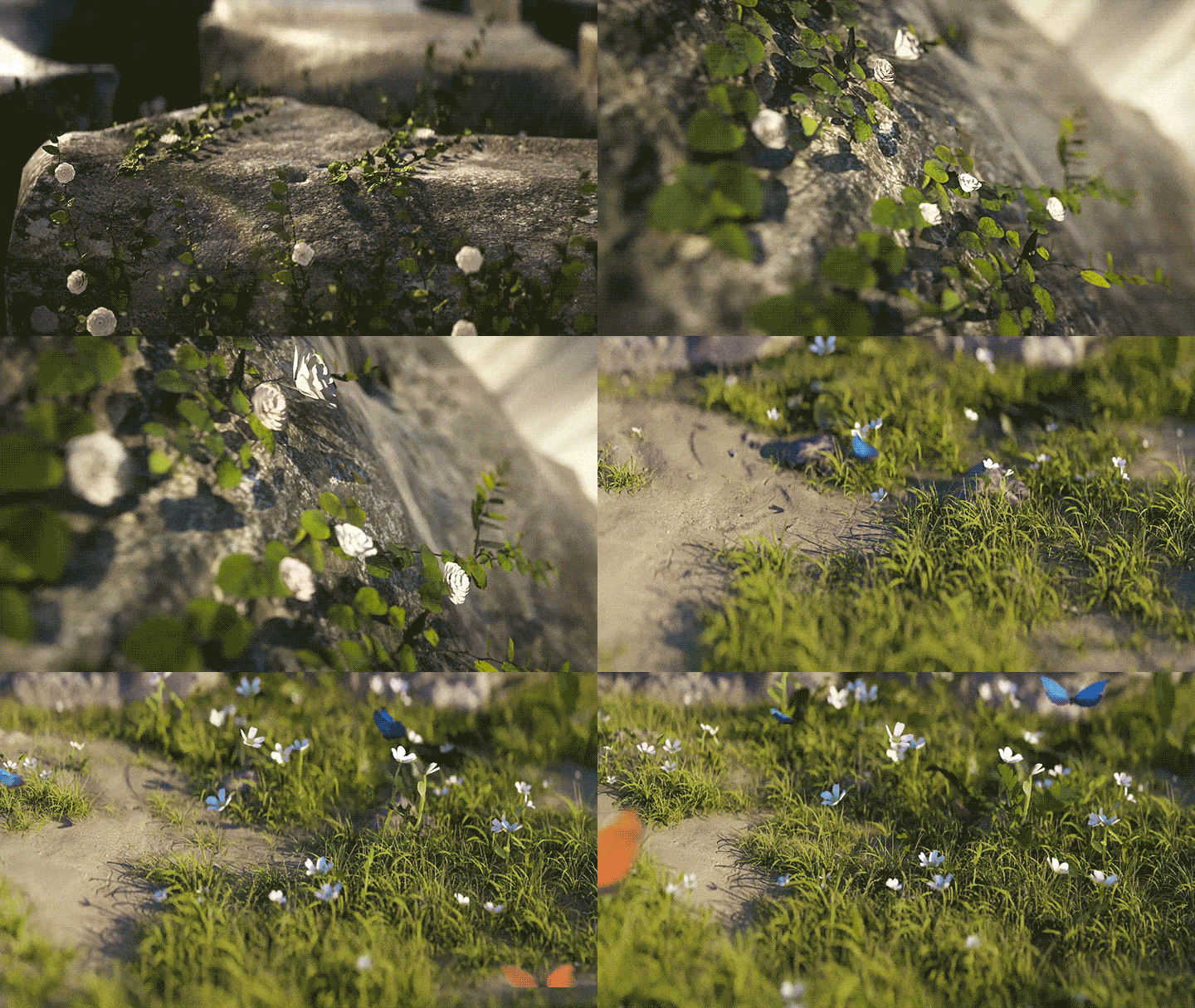
- Creating and Animating Nature in C4D
- Using Nature to Create an Aesthetic Scene
- Compositing 3D Files in AE
- Bringing Boring Renders to Life through AE
- Creating a Nature Portal & a Magical Snap Effect
In-depth Look:
- SECTION 01. OT
- Orientation & Intro
- Introducing your instructor
- What you will learn
- Helpful websites and software
- Review Various Methods
- Breaking down previous artwork
- Going over composition
- Importance of creating contrast
- Key learning points
- Finding stock photos
- Identifying photo difficulty
- 3D model & plugin guide
- My favorite sites for finding assets
- Quick summary of the assets we’ll be using
- Introducing Camera Projection
- Introduction to camera projection + examples
- Benefits of this technique
- Limitations of this technique
- Understanding important findings
- Cleaning up photos in Photoshop
- Creating layers for mapping
- Exporting + Naming
- Alpha masks
- Setting up the file
- Camera matching
- Creating a basic model
- Texture mapping in Octane
- Creating Grass in C4D
- Creating our own grass texture
- Creating and customizing a grass patch
- Using Octane to create a grass field
- Creating our own flower texture
- Creating and customizing a flower patch
- Using Octane to create a flower field
- Setting up mograph
- Setting up effectors
- Animating & baking flowers
- Preparing Growth Materials in After Effects
- Why we need a growth map
- Creating a growth map in AE
- Customizing by adding turbulence
- Creating a growth map in Cinema 4D via shaders
- Comparing options & when to use which
- Setting up a scene
- Lighting a Scene
- Exploring options
- Creating a Station Overgrown with Nature
- Setting up a file
- Creating nature
- Lighting and adding final touches
- Modeling the scene
- Adding nature
- Lighting and adding final touches
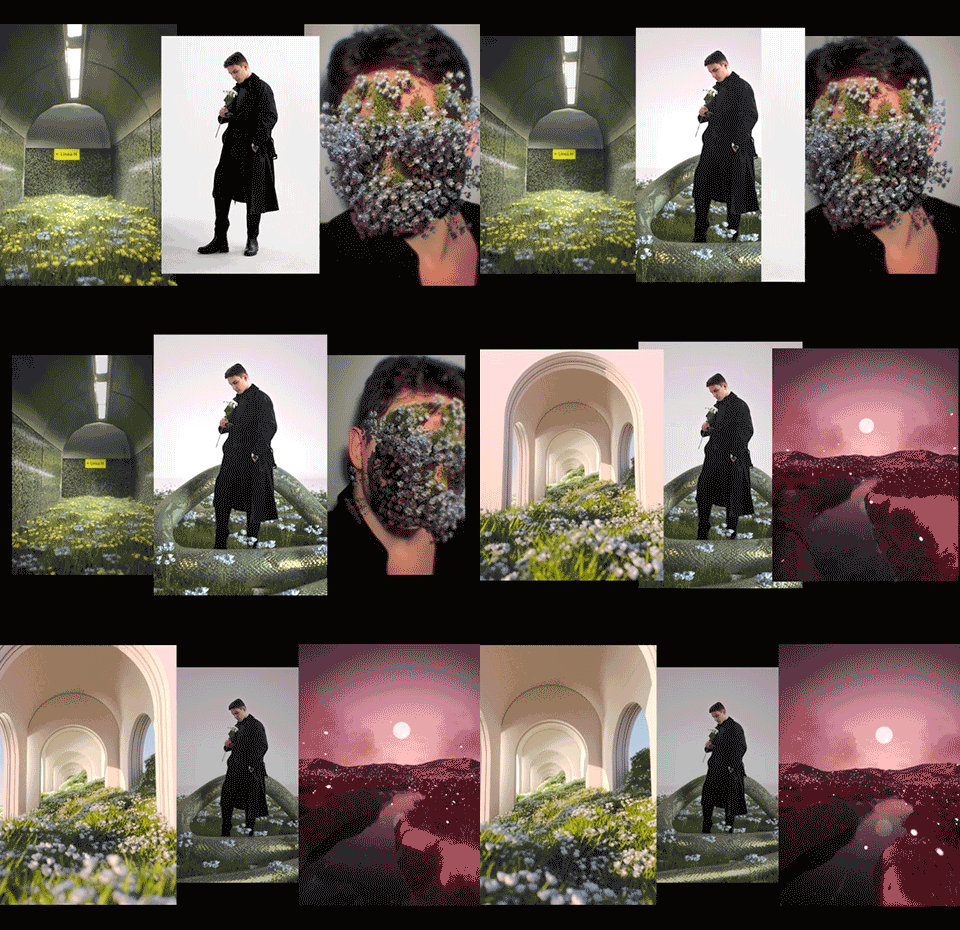
- Enhancing Portraits with Nature
- Preparing a portrait in Photoshop
- Creating a nature-overgrown portrait in C4D
- Adding a giant snake
- Geometry modeling
- Using Quixel assets to create nature
- Using Photoshop to finalize the composition
- Preparing and tracking footage in After Effects
- Setting up files in C4D
- Overview of setting up After Effects
- Octane Render Settings for Faster Rendering
- Quick rundown of Octane render settings
- How to slightly speed up your rendering process
- Exporting Cinema 4D scenes
- Importing C4D scenes into After Effects
- Setting it up in Octane
- Setting up layer ID
- Rendering different channels
- How I color correct my nature
- Why I always use vignette
- How to make nature “pop”
- The sky’s importance when color correcting nature
- Creating Butterflies in After Effects & Cinema 4D
- Creating a basic butterfly in After Effects
- Animating a butterfly with expressions
- Creating multiple butterflies
- Using Red Giant to create swarms of butterflies
- Setting up particles with Red Giant Particular
- What to do if you don’t have Particular
- Enhancing particles with layers + fog
- Blending modes + simple color correction methods
- How to create a simple lens burn effect
- How to use layers to create automated lens flares
- How to replace the sky
- How to animate clouds
- Creating a Portal & Fitting it into a Scene
- Making a rough portal frame
- Adding the portal frame to our Scene
- Animating the camera
- Animating the portal
- Setting up a mask for the portal
- Creating a Snap Effect
- Recording the footage
- Preparing the 3D scene
- Compositing the snap in After Effects
- Compositing Transitions with After Effects
- Importing the renders
- Compositing the portal
- Creating particles growing out of the portal
- Matching particles to the position
- Animating particles
- Why time remapping matters for transitions
- Setting up the main comp
- Setting up time remapping
- How to edit keyframe splines
- Orientation & Intro
Preview
4 images 1 / 4

2 / 4
3 / 4
4 / 4






