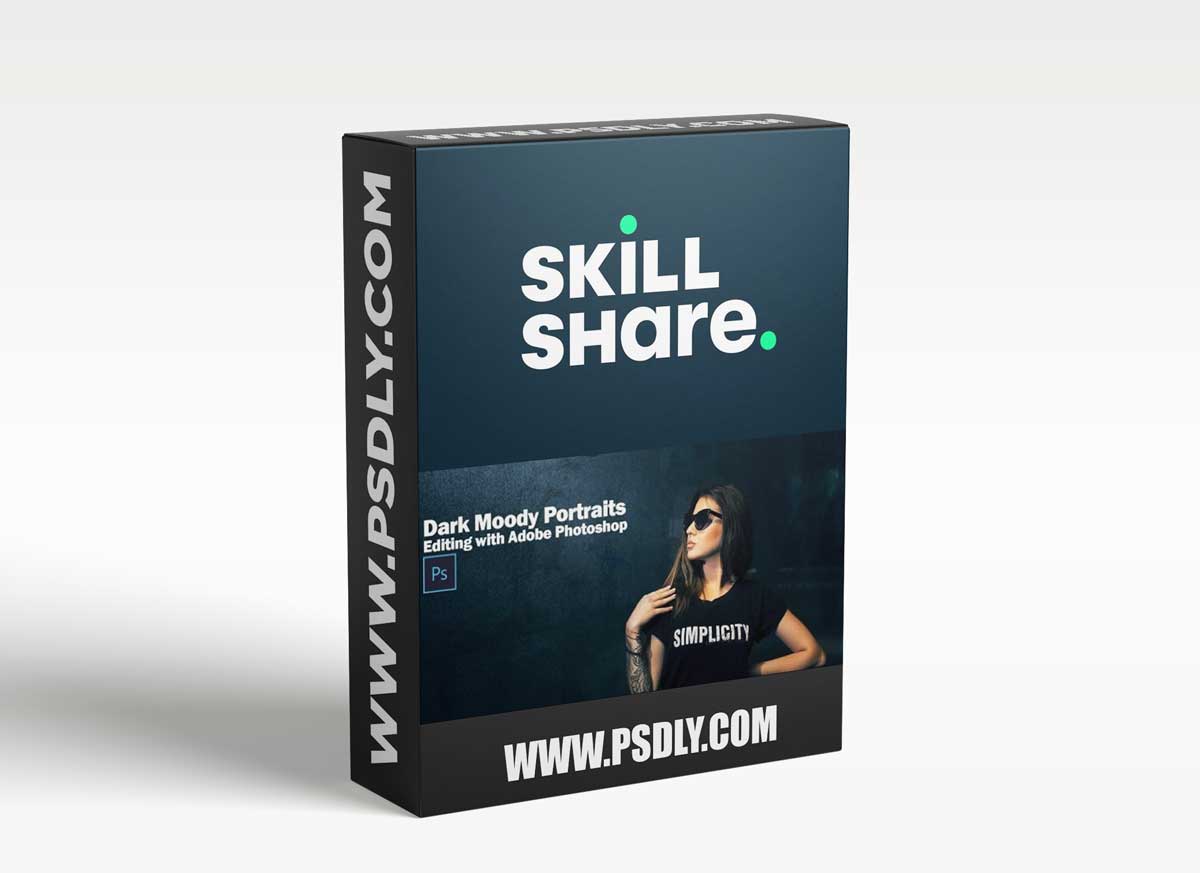
In this course I’ll be editing 5 portraits with a dark moody look. This look doesn’t meant that the images are really dark or sad. It’s more about a feel, an emotion. So the edits are going to be with lots of cold colors like cyan, blue, green that will work great against the orange and reddish colors of the skin.
The editing will start in Camera RAW plugin and then I’ll continue editing in Photoshop
Source
https://www.skillshare.com/classes/Dark-Moody-Portraits-Editing-Techniques-with-Adobe-Photoshop/1715008262
Category
Photoshop Tutorials
File Size
1.3 GB
Publisher
skillshare
Updated
November 15, 2021
Preview
1 image
Download File





