Source
https://assetstore.unity.com/packages/tools/painting/decal-splines-282879
Category
File Size
417.2 MB
Publisher
Uhm…Uhm…Games
Updated
June 13, 2025
Description
How to use
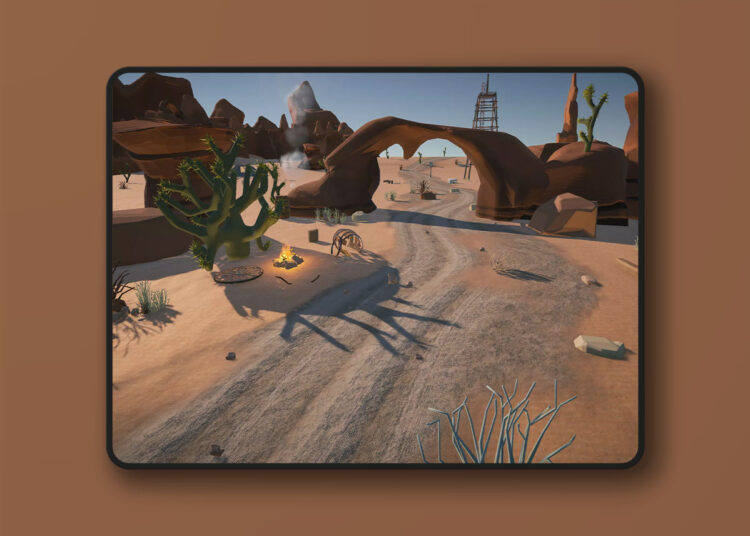
Placement works intuitively in the scene view. Just click on any surface to place anchor points and form the spline that drives the decal. Editing is just as easy, just click and drag the handles to manipulate the curve. Rotate the Decal Spline to project in any direction. Auto snapping helps the decal stick to your scene’s surfaces.
Using render layers you choose which objects are drawn on and which are excluded.
Preview
2 images 1 / 2

2 / 2

Download File