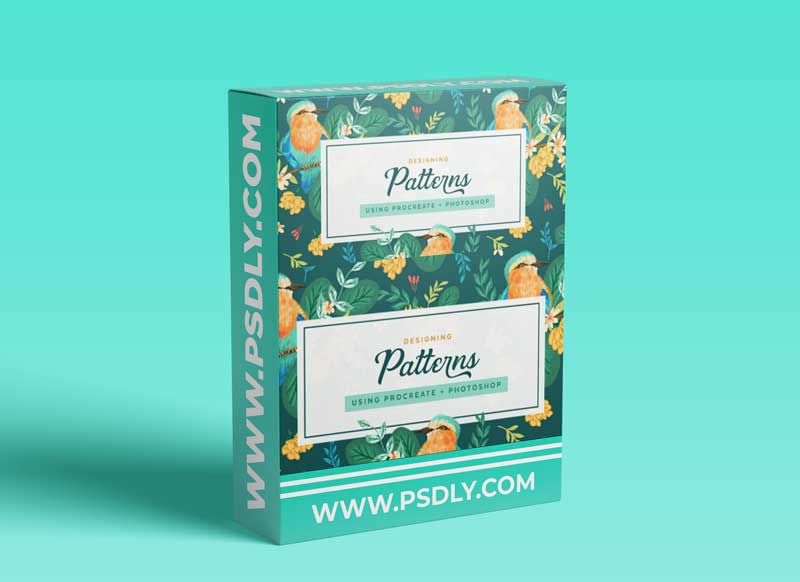
In this class, I will show you how to turn detailed illustrations developed in Procreate into patterns in Adobe Photoshop. I will take you through illustration examples, show you their finished patterns, and take you step-by-step through the process of creating artwork in Procreate and turning it into a pattern design in Adobe Photoshop.
In this class you will learn:
- Canvas set up in Procreate
- How to export your Procreate artwork
- Canvas set up for pattern design in Adobe Photoshop
- Bringing in Procreate artwork into your pattern canvas
- Layer organization in Photoshop
- Using smart objects in your pattern design
- Testing out pattern repeats
- Overview of the pattern preview tool in Adobe Photoshop
- Saving out patterns
- Organizing in the patterns panel
You will need an iPad and Apple Pencil, Procreate, Adobe Photoshop, and a computer to do the lessons shown in this class.
I would love to have you join me for this class using some of my favorite programs for creating patterns and illustrations.
Source
https://www.skillshare.com/classes/Designing-Patterns-Using-Procreate-and-Photoshop/2030504323
Category
Photoshop Tutorials
Publisher
skillshare
Updated
july,27, 2021
Preview
1 image
Download File




