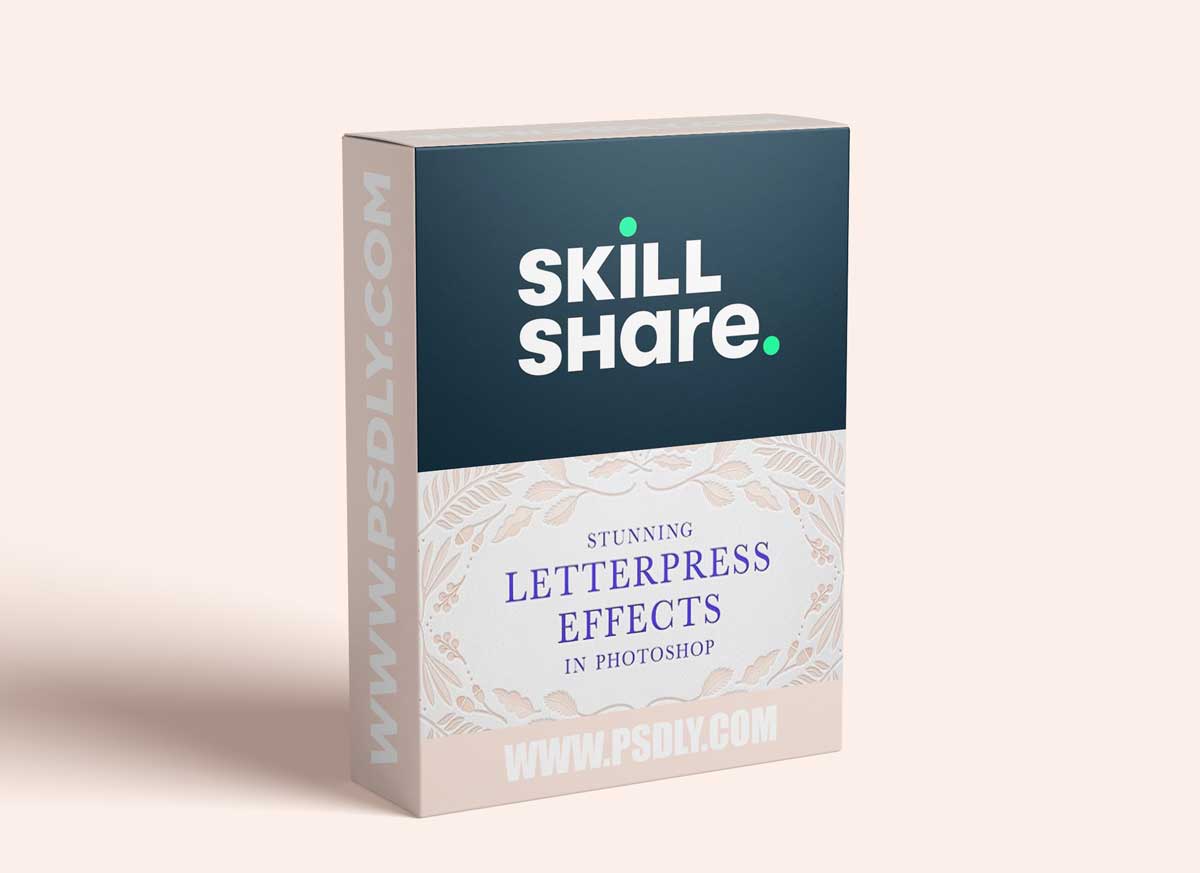
Over the years, I’ve perfected a combination of Photoshop effects – in conjunction with real paper textures – that emulate real letterpress printing with beautiful results.
➤ In this class, you’ll learn how to:
- create two digital letterpress methods
- save your effects to use over and over again in the future
- realistically overlay digital ink colors
- paint and draw in letterpress
To get you started, I’ve provided two high-resolution paper textures in the Resources section that you can use as backgrounds for your artwork.
➤ Endless possible applications
This easy and versatile Photoshop technique can be used for digital artwork of all kinds, be it text or illustration. Some examples of its uses include:
- Invitation and stationery mockups
- Digital wedding invitations
- Calligraphy and lettering artwork
- Line art illustrations
- Product cover images
- Embossed leather and book mockups
- Branding
and much, much more!
➤ What is letterpress?
Traditional letterpress creates printed text and images in relief, by pressing a raised surface – usually on a metal plate – into thick paper. The effect is a beautifully-textured impression in the paper, with soft edges and shadows.






