Source
https://www.doronsupply.com/product/mobchain-plugin
Category
File Size
22MB
Publisher
doronsupply
Updated
June 16, 2025
Description
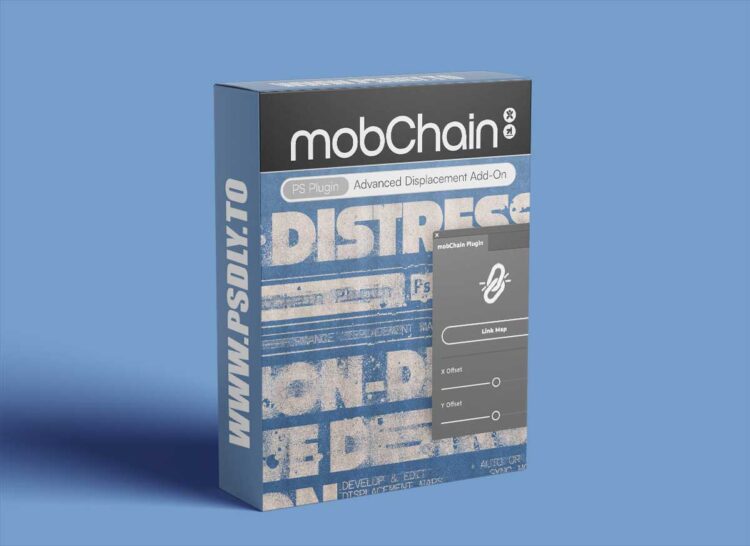
- mobChain is your new best friend for displacing and distressing type & images with ease and incredible speed. Gone are the days of guess-work and bad results when displacement mapping.
- This add-on creates a displacement map template with a reference layer and links it to your main document. Meaning you can make any edits on a displacement map and see the updated displace result instantly. You can also control the offset distortions on the fly with X and Y sliders within the plugin dialog. With this powerful tool, you can now develop and fine-tune displacement maps in real-time!
- Have your way with the included 30+ grain, halftone, distress, and splatter brushes to distress type & images with full confidence & customizability.
- This product is brought to you in collaboration between Doron Supply & BangingJoints.
FEATURES:
- Auto & Manual Sync modes:
- Auto: The map-syncing process fires each time you release the mouse button, letting you see all changes on the main image where the displacement filter is applied.
- Manual: The displacement updates after clicking the «Reload» button or using the «H» shortcut. This updates your map instantly. [Recommended for higher pixel dimension documents or slower systems].
COMPATIBILITY:
- Supports only English Photoshop language.
- Photoshop 23.5+
- Mac & PC (including M1 Apple computers).
- To find out your Adobe Photoshop Version
- Go to: Help >> System Info
WHAT’S INCLUDED:
- 1 .ccx Photoshop Plugin
- 1 .abr Brushes File (30+ Displacement Brushes)
- PDF Help Guide
- Video Demo & Tutorial
Preview
1 image
Download File