
Source
https://www.skillshare.com/en/classes/Easy-Animation-for-Illustration-Using-Duik-in-Adobe-After-Effects/2005949688
Category
File Size
785MB
Publisher
skillshare
Updated
October 01, 2022
Description
In this class, you will learn how to transform your illustrations into exciting animations with just a few clicks! Using some cool automations, we will add a bit of wiggle and swing and make your illustrations… dance!
In this class you’ll learn:
- How to download and install Duik Bassel.2 in Adobe After Effects
- How to prepare your illustration files ready for animation
- How to apply the ‘wiggle’ and ‘swing’ to animate different parts of your illustration
- Super handy tips for adding that extra magic to your animation workflow and the animation itself!
You’ll be creating:
- A short video and GIF of your new animated illustration to share with the world!
This class is for all levels: whether you’re just starting out with Adobe After Effects or you’re an animator who’s looking for ways to speed up your animation workflows.
Preview
1 image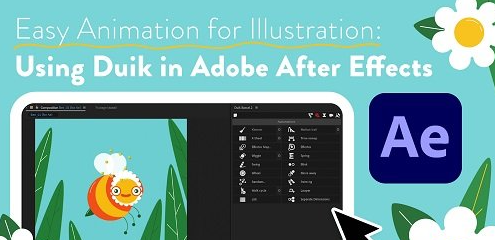
Download File




