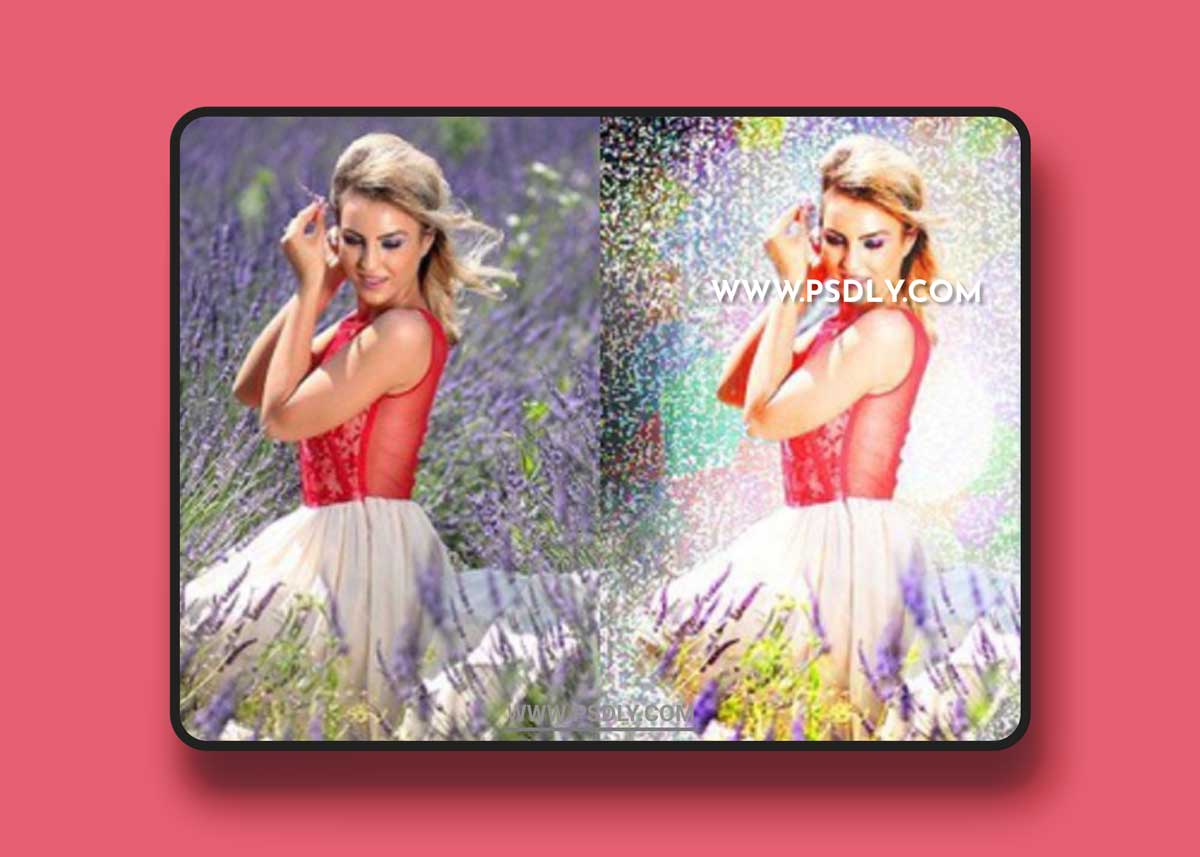
Save hours of creative work by using this professional photoshop action to create a Grain of Stars effect on your photos. Detailed and creative result with a single click action!
Features
- Tested and working on Photoshop CS5, CS6, and CC (English Version). You can change Photoshop’s language by following the instructions
- Tested on 60 different photos to ensure the effect’s adaptability
- Recommended photo size is between 1500-3000px.
- Preview photos are not included in the download.
- One click action.
Action Installation
- Open Photoshop and open the Actions panel, if you cannot see it by default on the right side of the Photoshop interface, click “Window Actions” to show it.
- On the Actions window, click the coner icon on the top right to show a drop-down menu, then click “Load Actions…”. Locate the “Grain of Stars.atn” on your filesystem.
- “Grain of Stars.atn” wil now appear on your Actions panel.
Preview
1 image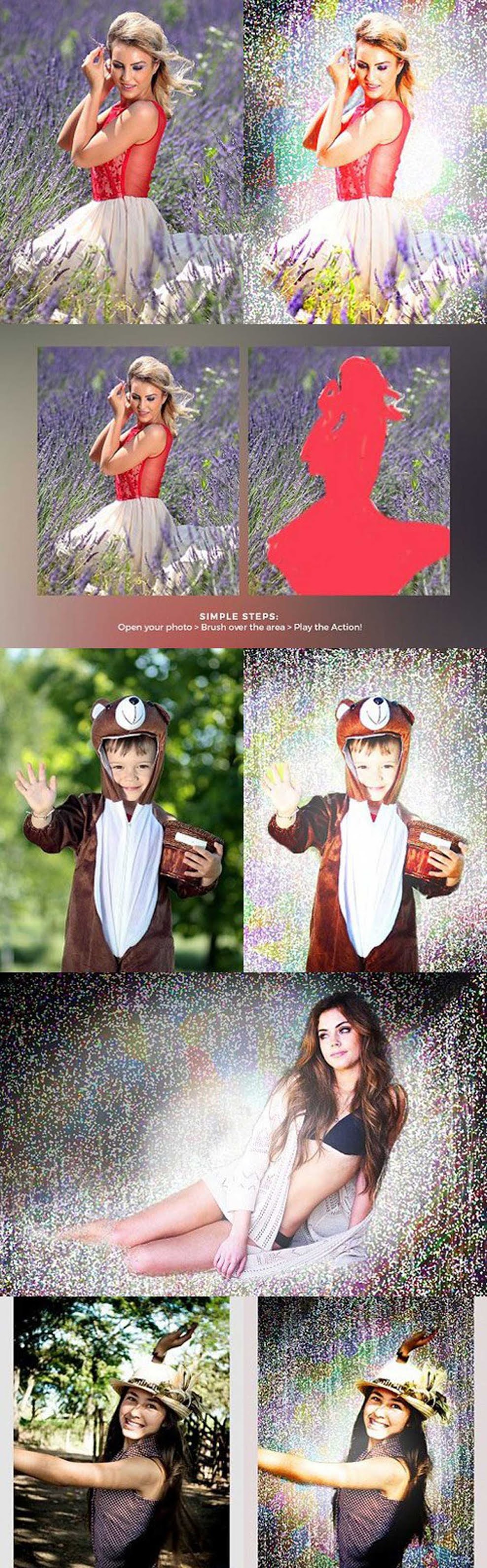
Download File