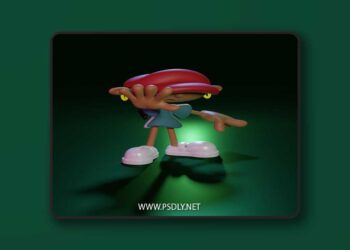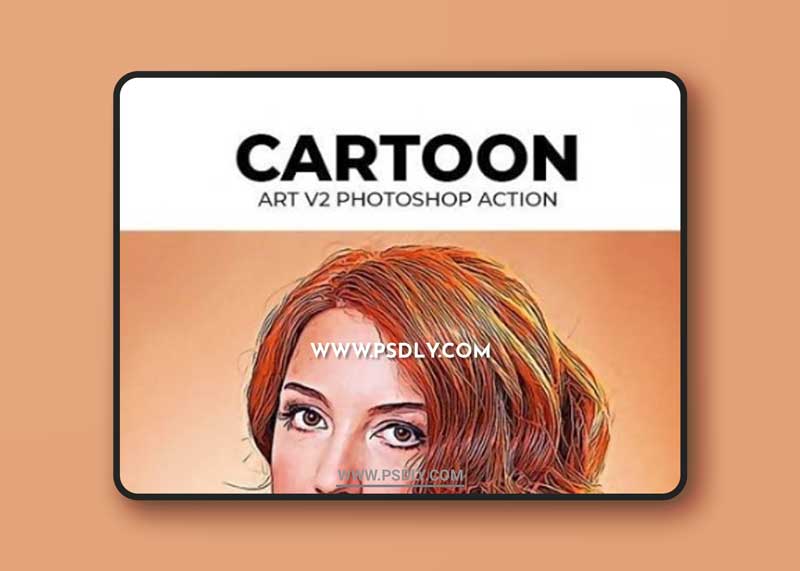
Cartoon Art V2 Photoshop Action
An Amazing Cartoon Art V2 Photoshop Action with professional Photoshop actions.
Photoshop Configure for this Action
1. Make sure you are using the English version of Photoshop. If you are using a different language . Click Here to watch how to set the language to English.
2. Use the RGB Mode and 8 Bits color. To check these settings, go to Image->Mode and check the “RGB color” and “8 Bits/Channel”.
3. For the best results, it is recommended to use high resolution photos in the range of 3200px – 4200px. The optimal range is from 3000px – 4000px. The detail and clarity in the effects generated by the actions reduce the smaller your photo is.
5. Your main image should be set as a background. If your image have a difference name like as layer 0, select it and then go to : Layer->New->Background from layer.