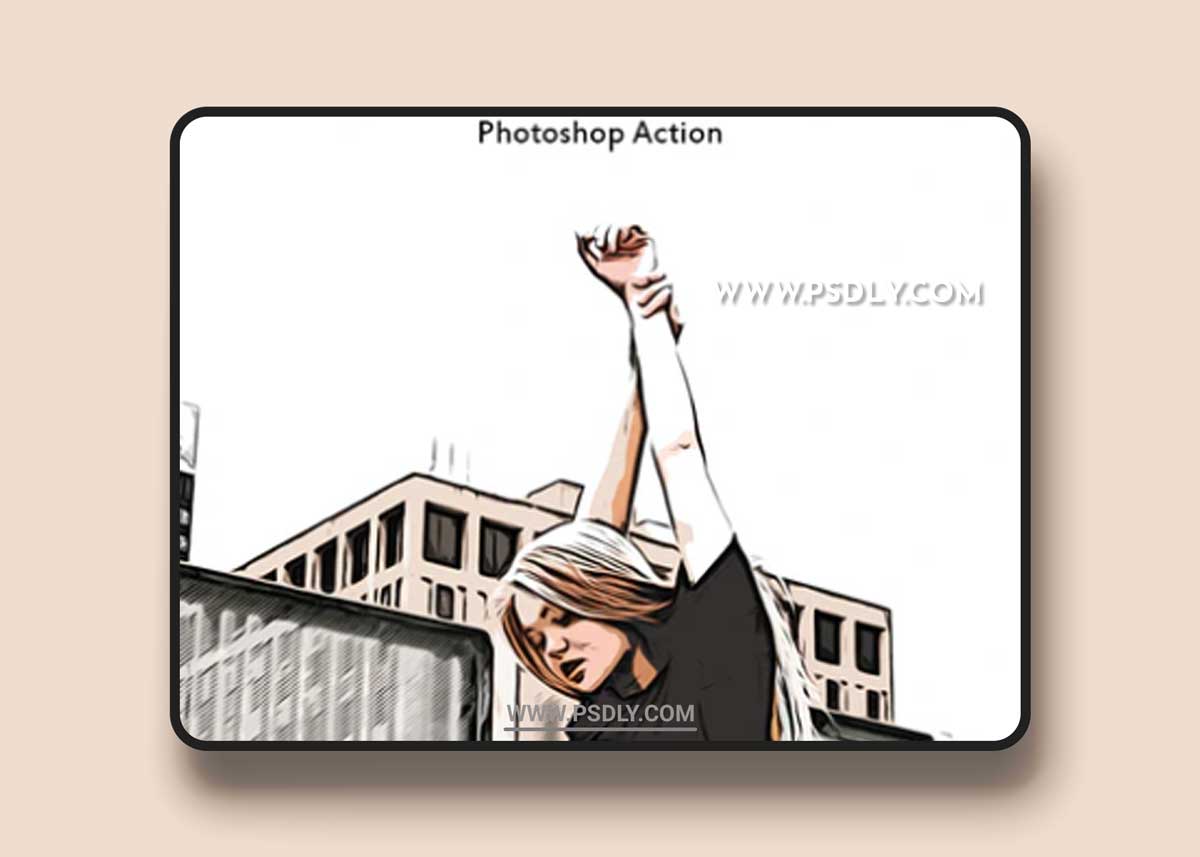
GHOW TO USE ACTION?
1. Open the action (for that go to: Window / Actions, click on menu icon at the right and choose in list “Load Actions…” then find the action on your computer and open it;
2. Open your background image;
3. Find action in the action list and open it and click play
4. Wait a few seconds that Photoshop make all actions (speed of action work depends of the power of your computer);
5. Ready! just save
Source
https://graphicriver.net/item/comic-paint/21324145
Category
File Size
2 KB
Publisher
graphicriver
Updated
September 14, 2021
Preview
1 image
Download File