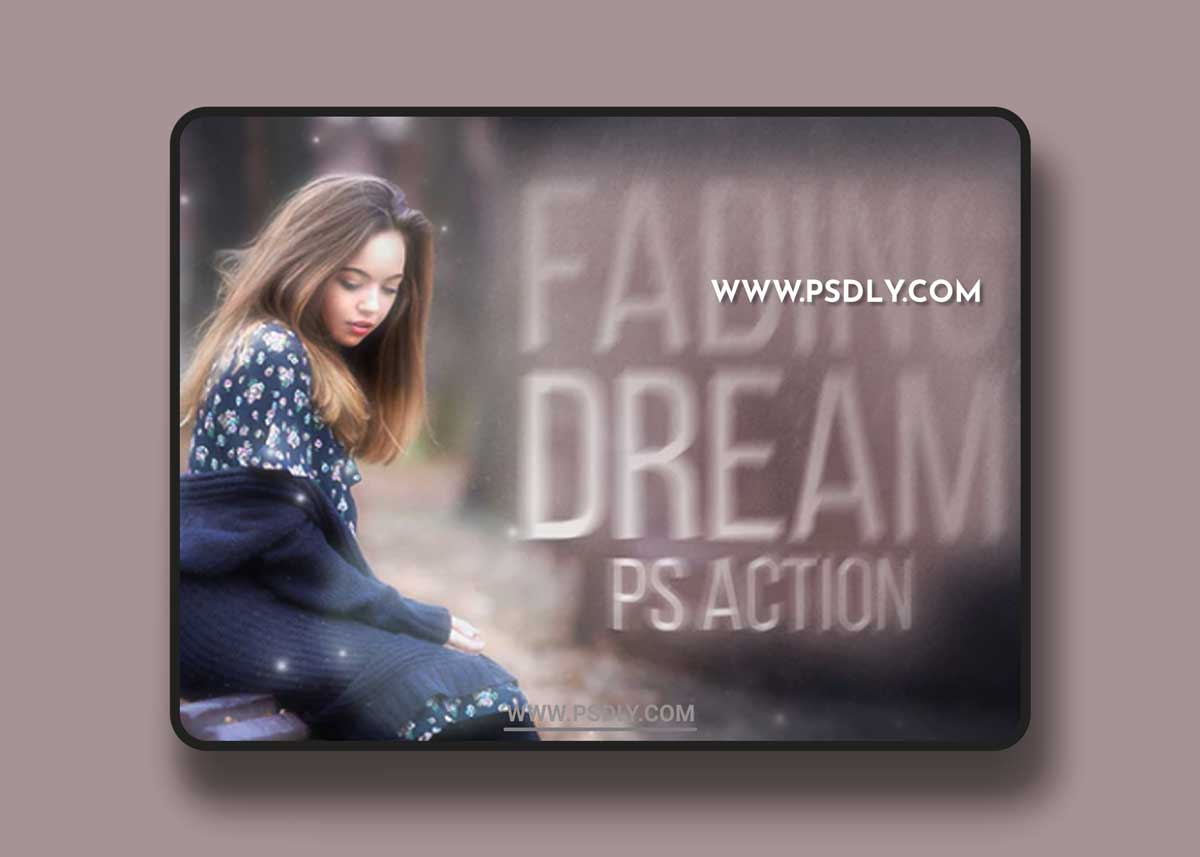
Fading Dream Action is an easy and fast way to give your picture the fairy-tale effect of the decaying night-dream or sweet memories. It’s great for wedding and children photos. The effect can be customised.
- Works on Photoshop CS5, CS6, CC and ONLY for ENGLISH VERSION of Photoshop
- Customizable beautiful effect
- 2 versions of action: for medium-sized and large images, DPI doesn’t matter
- Organized layer structure
- Very easy to use
- Help file included
- Optimal image sizes: 1800-5000px in width; 1200-4000px in height
HOW TO PREPARE YOUR PHOTOSHOP TO USE THIS ACTION
- Make sure that you are using English version of Photoshop. If not, you always can change the language of your version of Photoshop to English (and switch back again) using
- Use RGB mode at 8 bits/channel
- Make sure that the option “Add ‘copy’ to Copied Layers and Groups” is turned on (Layers Tab – Panel Options)
- Load to your Photoshop included Dream_Patterns
- Open your image, create new layer and paint your focus-area
- Load action to your Photoshop. To do this go to menu Window – Actions – Load actions and select Fading Dream Action
- Run one of two versions of the action
Source
https://graphicriver.net/item/fading-dream-action/22434621
Category
File Size
37MB
Publisher
graphicriver
Updated
September 09, 2021
Preview
1 image
Download File