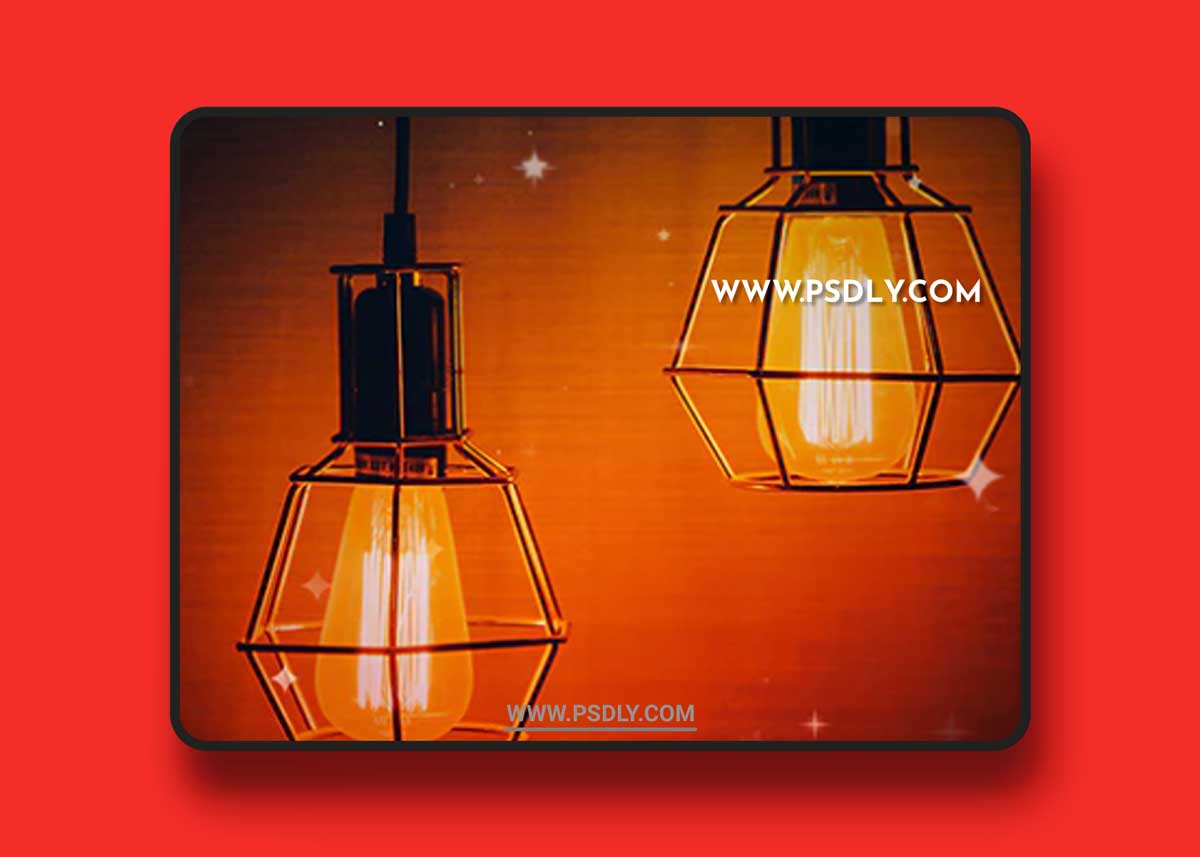
Language is not a barrier. This action successfully optimized to work with all language versions of Photoshop.
How to configure Photoshop to work with actions.
- Use the RGB Mode and 8 Bits color. To check these settings, go to Image->Mode and check the “RGB color” and “8 Bits/Channel”.
- Use a photo with 72dpi or higher. If you are using a photo with less than 72dpi, the action will not function correctly. To fix this, go to Image->Image Size and increase the resolution value.
- Set the Opacity of brush to 100%. Set the Opacity of the brush to 100%. Select the “Brush Tool” and move the opacity slider to 100%.
Source
https://graphicriver.net/item/gif-animated-twinkle-2-photoshop-action/21138006
Category
Publisher
graphicriver
Updated
September 16, 2021
Preview
1 image
Download File