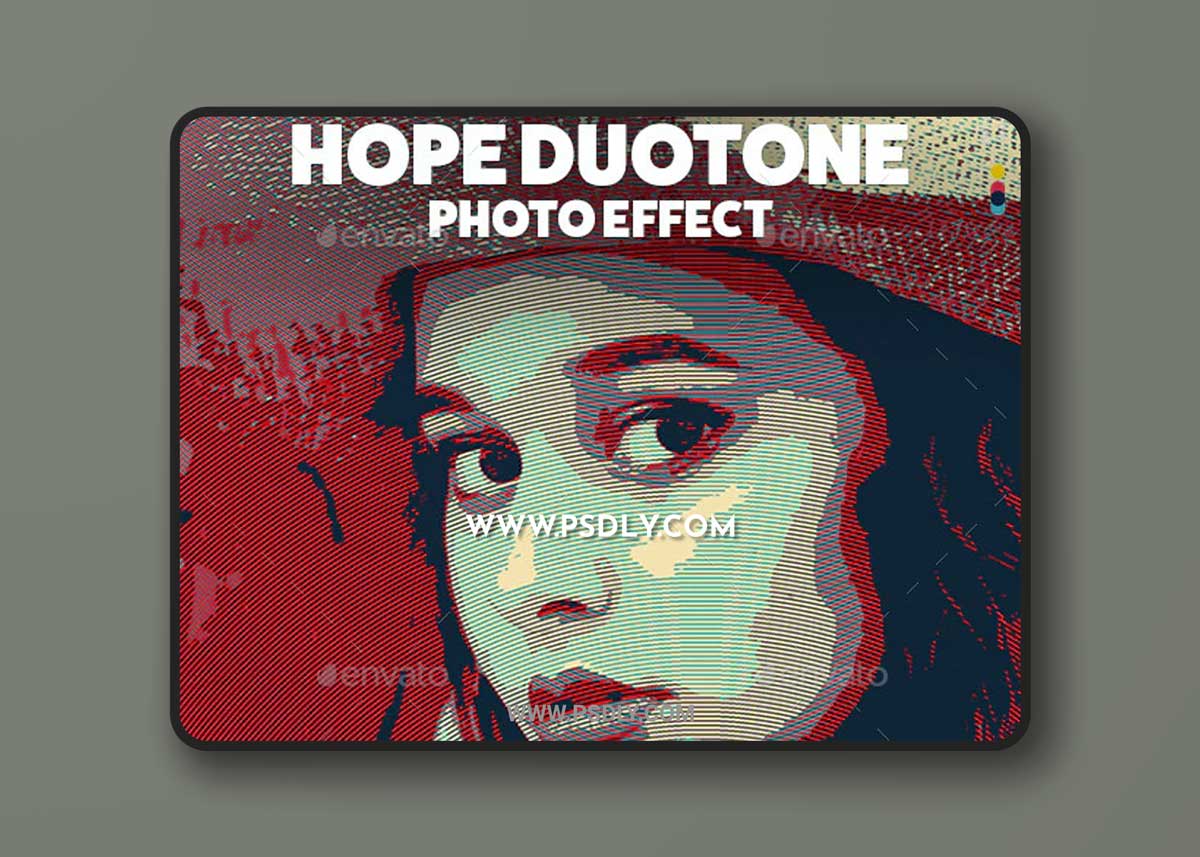
Hope Duotone photo effect will turn your photos into beautiful style in SECONDS.
Suitable for ANY TYPE OF IMAGES.
FEATURES:
• Organized layer structure.
• High-resolution PSD file 2000×3000 px
• 300 dpi.
• Very easy to use in a few clicks with minimum Photoshop skill.
• Help file.
HOW TO USE THE PHOTO EFFECT: <style type=”text/css”> </style>
1. Open the PSD file.
2. Double click on the Smart Object.
3. Insert your photo inside the Smart Object.
4. Close and save Smart Object.
Source
https://graphicriver.net/item/hope-duotone-photo-effect-template/33526201
Category
File Size
100KB
Publisher
graphicriver
Updated
November 05, 2021
Preview
1 image
Download File