- 3 .atn files (action), 12px, 20px and 30 px diameter.
- 5 actions x each .atn file
- 15 total actions
- 2 .abr file (Paillettes brushes)
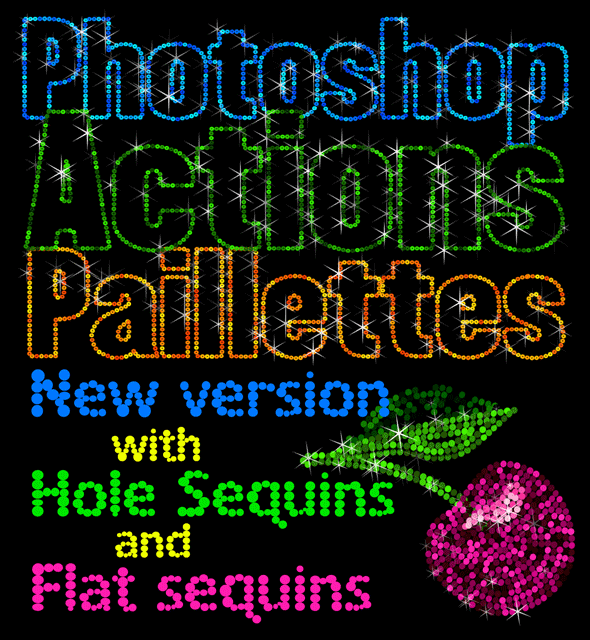
- Hole Sequins or Flat Sequins
- 1 .asl file (Paillettes style)
- 1 PDF Help File English/Español
- 15 Photoshop files to practice
- 10 tutorial videos links
Install:
Load the Paillettes Actions
- ANIPAILLETTESØ12.atn
- ANIPAILLETTESØ20.atn
- ANIPAILLETTESØ30.atn
Choose one of the Paillettes Brushes to load
- PailletteBrushes.abr for hole sequins
- PailletteBrushesFlat.abr for flat sequins
Load the Paillettes Styles
- PailletteStyles.asl
Easy to use:
- Select the layer where the action will run
- Set the colors
- Choose the action from the Actions Panel
- Play the action
- Play the animation by clicking the play button at the Timeline Panel
- Recommended minimum file size 1000×1000 px
Optional
- Change the paillettes colors
- Show or hide the sparkles
Source
https://graphicriver.net/item/paillettes-photoshop-actions/22730404
Category
File Size
41 MB
Publisher
graphicriver
Updated
September,07, 2021
Preview
3 images 1 / 3
2 / 3

3 / 3

Download File