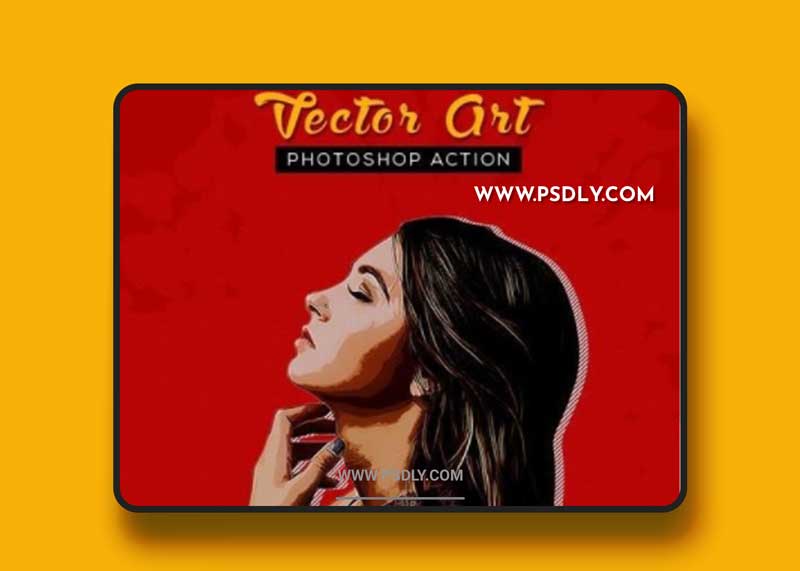
Turn your photo into the next level. Create a stunning vector art effect in just 2 steps. Vector Art Action support’s in Photoshop CS6 and CC+ versions.
Things to know first:
- Make sure you are using English version of Photoshop.
- Use at least 2500-3500px image size for best result and to avoid errors.
- Use RGB mode and 8bits color.
- Use at least 72dpi.
- Load the brushes, patterns, shapes and action file ahead.
- Make sure that the option “Add “copy” to Copied Layers and Groups” is checked.
- Must set the Brush mode to normal and the Opacity and Flow of Brush to 100%.
- If you are experiencing some errors, try resetting your Photoshop preferences. To do that, just hold down the Alt+Ctrl+Shift keys (Mac: Command+Option+Shift) while starting up Photoshop. A dialog box will appear asking if you wish to delete the preferences/settings file. Click Yes!
- Full instructions are in ReadMe.pdf file.
Files Included:
1 Vector Art Brushes.abr1 Vector Art Patterns.pat1 Vector Art Shapes.csh1 Vector Art Action.atn1 ReadMe.pdf File
Source
https://graphicriver.net/item/vector-art-photoshop-action/26874962
Category
Publisher
graphicriver
Updated
August,21, 2021
Preview
1 image
Download File