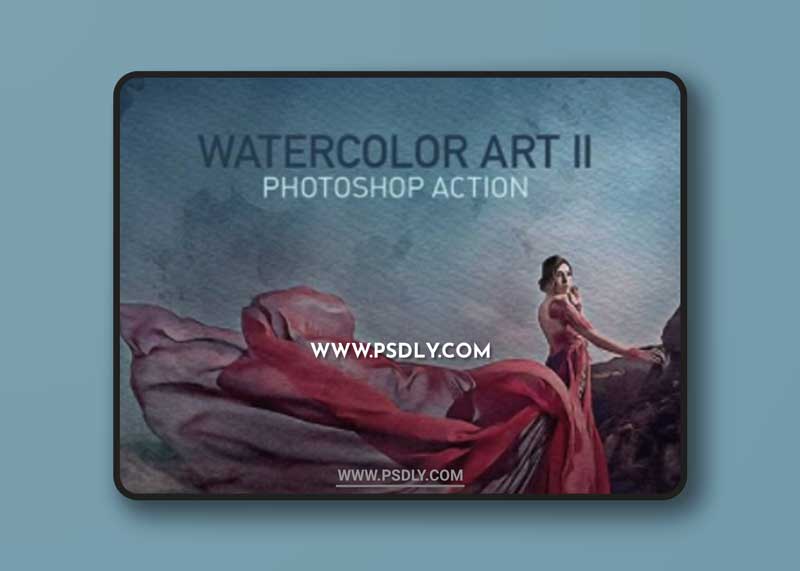
- Suitable for portraits, landscapes, interiors, architecture, mechanics and design photos
- Tested with Photoshop CC 2015 – CC 2019 (only English version). Make sure, that your software has an active Oil Paint Filter (Filter – Stylize – Oil Paint)
- Well organised layer structure
- Realistic effect of a real watercolor drawing
- Easy to use in a few clicks
- Help PDF file included
- Best image sizes 2000-4000 px
- File size 162,5 MB
HOW TO PREPARE YOUR PHOTOSHOP TO USE THIS ACTION
- Make sure that you are using English version of Photoshop. If not, you always can change the language of your version of Photoshop to English (and switch back again) using
- Use only RGB mode at 8 bits/channel
- Make sure that the option “Add ‘copy’ to Copied Layers and Groups” is turned on (Layers Tab – Panel Options)
- Set brush opacity and flow to 100%
- Load to your Photoshop compulsory brushes, patterns and tool preset
- Load action to your Photoshop. To do this go to menu Window – Actions – Load actions and select WAII.atn
- Open your image, create new layer (with name ‘area’) and just paint your focus-area
- Run the action
Please note that the product works correctly only with original images that have not been edited in the current working session. If you need to pre-edit the image, for example, resize it, please do it, save the result, close the file and then reopen it. Then start the action. Otherwise such message can be appear:

Download More Photoshop Action
Content Source: https://graphicriver.net/item/watercolor-art-ii-photoshop-action/23768257
Free GraphicRiver – Watercolor Art II Photoshop Action 23768257 Download
Download File