Source
https://levelupdigital.gumroad.com/l/levelup_furniturecreation
Category
File Size
6.3 GB
Publisher
levelupdigital
Updated
August 15, 2025
Description
21 hours of training | References | 1440 Resolution
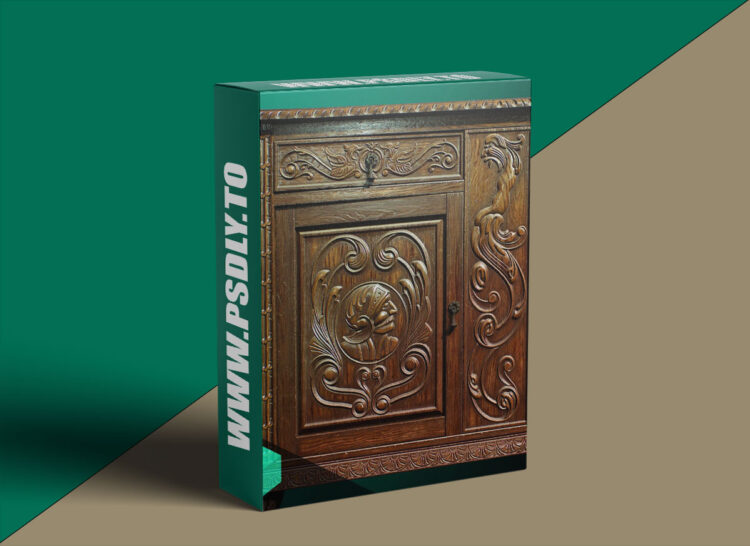
- Dive into this in-depth tutorial by Ubisoft artist Max Kutsenko, and learn expert techniques for how to create versatile trim sheets to be applied towards a variety of assets. Follow along as Max demonstrates how to create intricate shapes using Designer’s newest spline nodes, and takes you step-by-step through his process for creating a realistic antique dresser.
- In this tutorial, you will learn how to analyze references, build the geometry, and setup trim layouts in Designer. Max shares his process for how to build a base wood material and a protective coating material, as well as how to use a blend mask to combine the two seamlessly.
- Jump into Painter and learn how to add incredible details to door handles, and finally, render in Marmoset using the Parallax Occlusion technique to achieve extra depth.
Chapters
- Reference
- Geometry
- SD Setup
- Spline Introduction
- Photoshop Fix
- Knight Shape
- Wolf Shape
- Snakeman Shape
- Trim Assembly
- Corner Piece
- Bottom Piece
- Top Piece
- Horizontal Planks
- Legs
- Vertical Planks
- Surface Wear
- Wood Base Shape
- Wood Color
- Wood Surface Detail
- Wood Material Setup
- Varnish Color
- Varnish Surface Detail
- Varnish Material Setup
- Door Knob Geometry
- Door Knob Texturing
- Door Knob Material Setup
- Blend Mask
- Dirt Mask
- Render
- Parallax
Software Used
- Substance Designer
- Substance Painter
- Marmoset
Level
Beginner to Intermediate
Prerequisite
Basic knowledge of software used
Preview
1 image
Download Files





