Source
https://jebegonzalezphotography.sellfy.store/p/jebe-g-storypresets-pack/
Category
File Size
70MB
Publisher
jebegonzalezphotography
Updated
May 16, 2022
Description
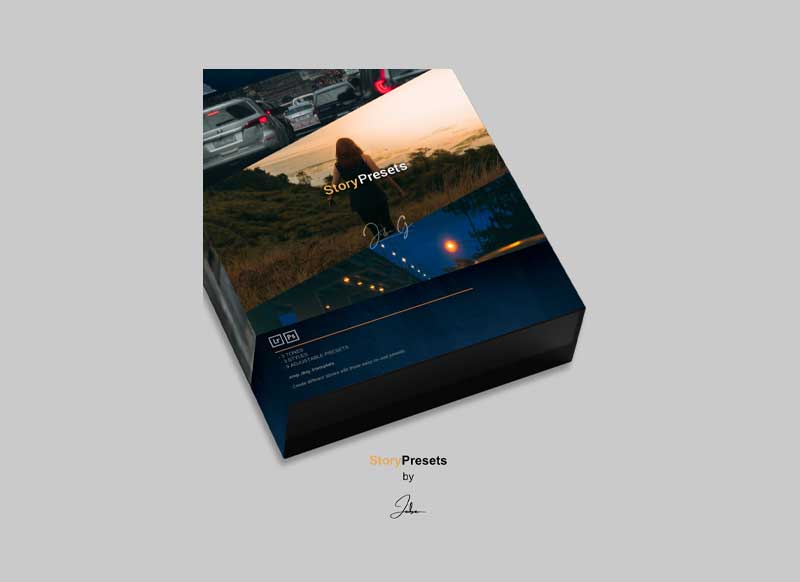
This will give you an idea on how to use each preset!
.xmp
.lrtemplate
.dng
00 Untouched | Classic
01 Grounded | Classic
02 Immersed | Classic
03 Untouched | Ocherous
04 Grounded | Ocherous
05 Immersed | Ocherous
06 Untouched | Cerulean
07 Grounded | Cerulean
08 Immersed | Cerulean
HOW TO INSTALL – ADOBE LIGHTROOM DESKTOP
- Open lightroom and head to the develop tab.
- Click the + on the preset tab (left) and hit “import presets”
- Navigate to the folder where you have saved the “Jebe G. | StoryPresets” bundle and select the .zip file.
- Your presets should now be included on your list down the left hand side.
HOW TO INSTALL – ADOBE LIGHTROOM MOBILE
- Transfer the .dng files to your mobile.
- Import these files into lightroom mobile. (They look like regular photos).
- With the photo selected in the edit mode hit the three dots in the top right corner and select “create preset”.
- Label each of the presets and save.
Preview
3 images 1 / 3

2 / 3

3 / 3

Download File