Source
https://superhivemarket.com/products/jmesh-tools
Category
File Size
2MB
Publisher
superhivemarket
Updated
August 25, 2025
Description
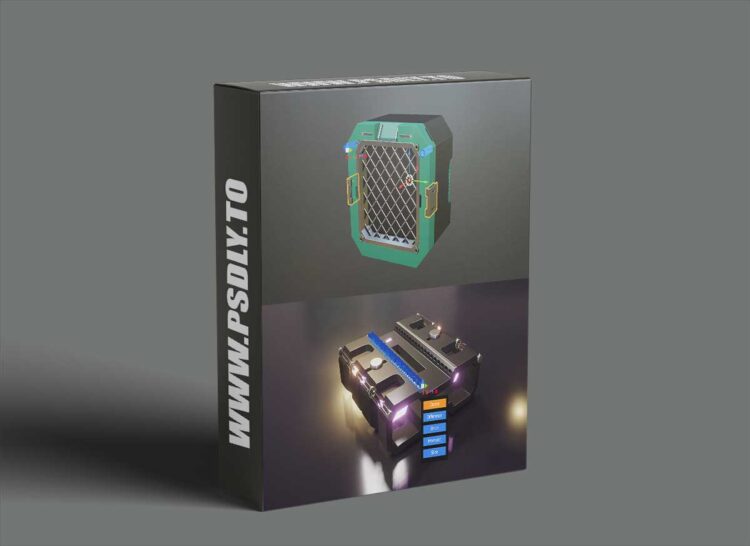
JMesh Tools is a streamlined hard-surface modeling toolbox for Blender that turns common chores—booleans, bevels, arrays, and quick cutouts—into fast, repeatable actions. Built by Jayanam, it centers on a powerful Primitive Mode: press Ctrl + Shift + P, then sketch directly in the 3D Viewport to project circles, rectangles, polylines, and curves onto existing geometry in object, edit, or sculpt mode. From there, extrude and apply a boolean in one fluid motion to stamp panel cuts, vents, ports, and design lines with precision.
Preview
1 image
Download File