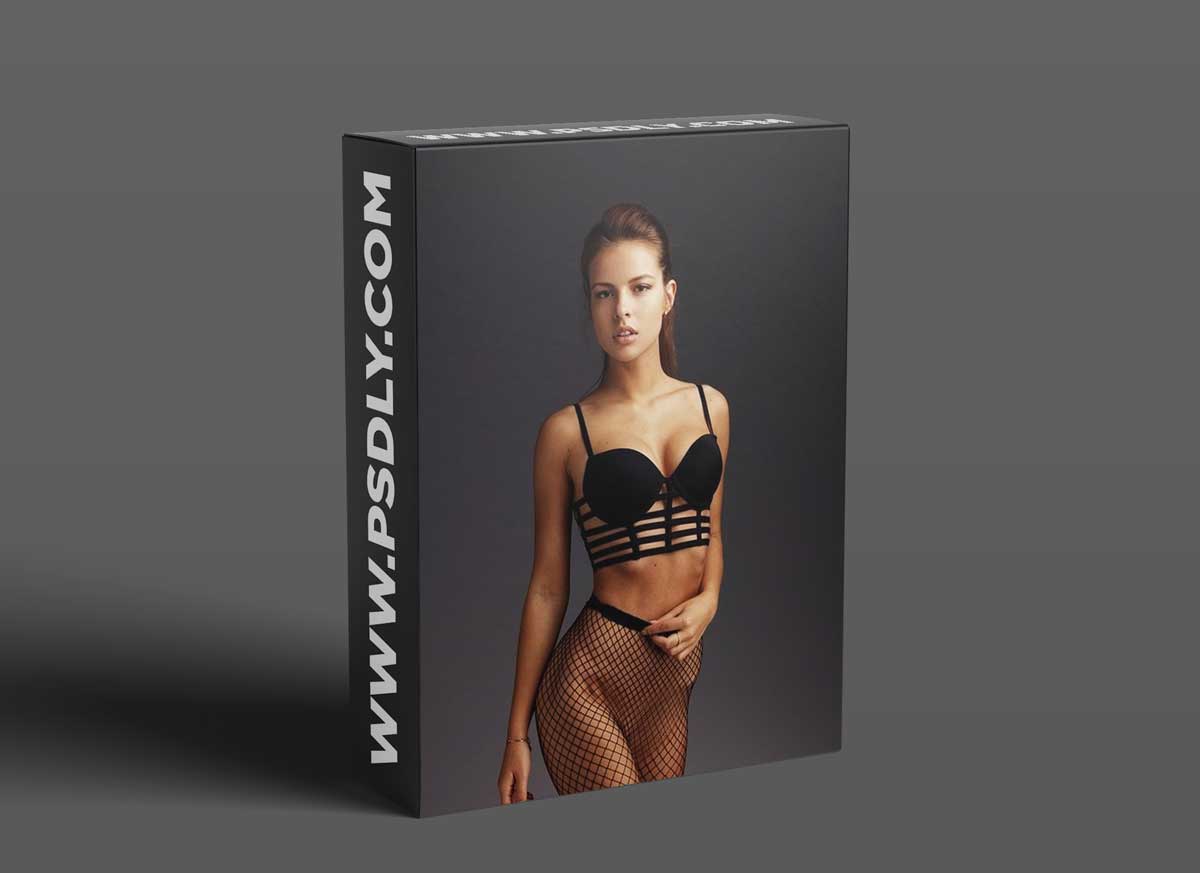
In this video tutorial I show how I get the awesome glow and golden skin. You’ll see how I go from the pale boring look to the interesting color with the glowing golden skin. Have a look below to see a sample of the photo before retouch.
Lightroom is used like raw converter just to set the white balance. No other changes where made in that process. All the color grading and skin retouch are done in Photoshop without using any filters, actions or plugins
Source
https://www.joakim-karlsson.com/videos1/julia-zu-in-the-studio
Category
File Size
1.7GB
Publisher
joakim
Updated
September 16, 2021
Preview
1 image
Download File





