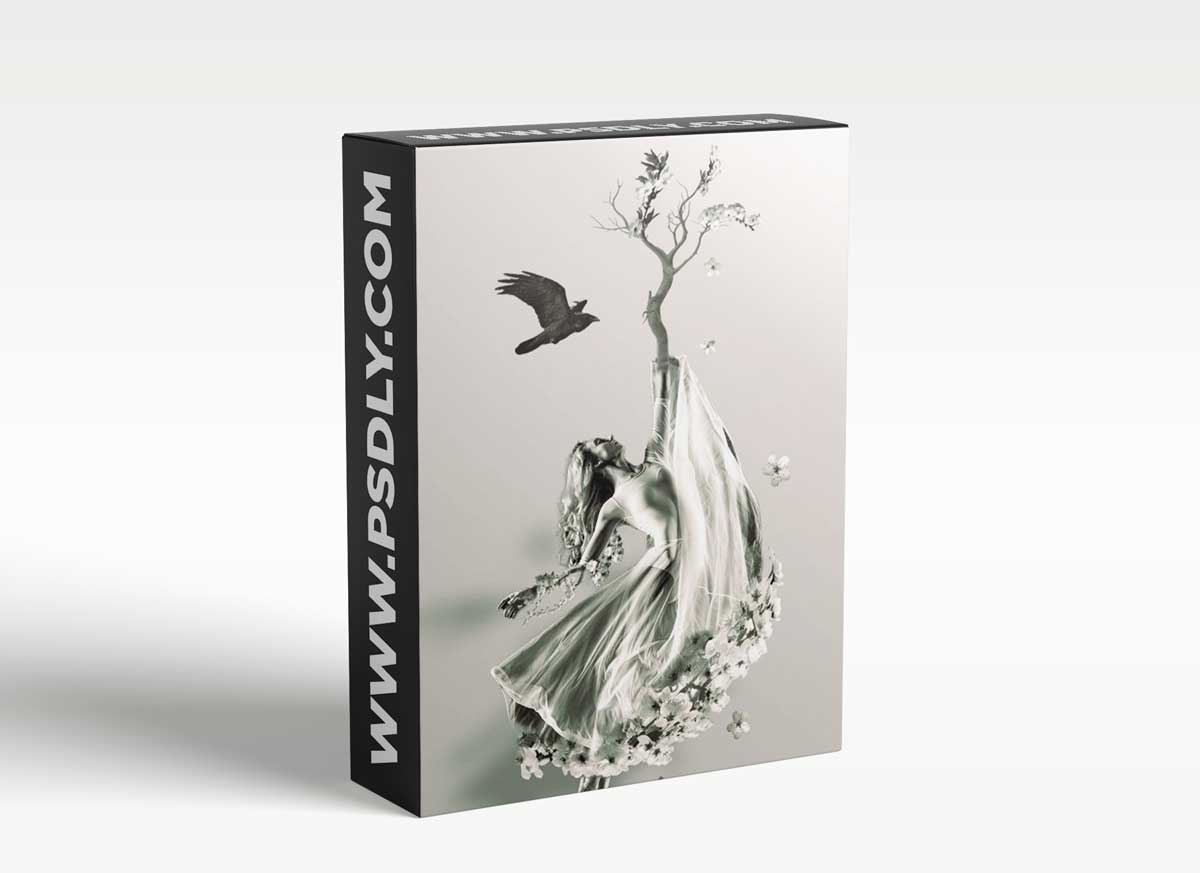
In this class we will learn how to use multiple images to create anything your imagination can conceptualize. This course does not require any prior knowledge. Every step and tool used is explained. We will be using Adobe Photoshop in this class, but most advanced photo editing software utilizes a type of masking. All the images used in the class are available to be downloaded in the Project and Resource section.
The techniques and tools taught in this course are:
- Various selection methods
- Masking
- Adjustment Layers
- Creating Highlights
- Creating Shadows
- Using Filters
- Gradients
Source
https://www.skillshare.com/classes/Masking-for-Manipulations-in-Adobe-Photoshop/1724365353
Category
File Size
847MB
Publisher
skillshare
Updated
November 17, 2021
Preview
1 image
Download File





