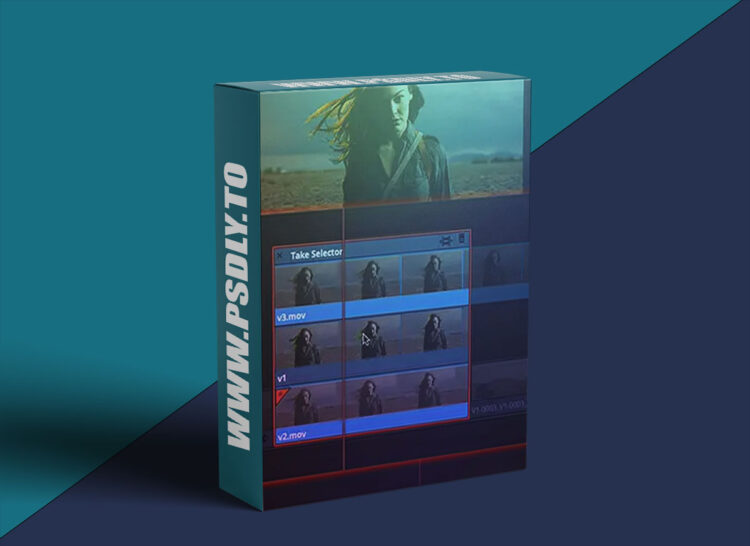
Source
https://mixinglight.com/color-grading-tutorials/using-take-selector-davinci-resolve/
Category
File Size
157 MB
Publisher
mixinglight
Updated
March 14, 2025
Description
The take selector is one of those little unsung hero features in Resolve. It’s super useful – but not many people know it’s there!
In talking to a few other colorists I found quite a few didn’t even know it existed, or how they could use it to organize and speed up their VFX shot workflows.
The take selector is also a great way to swap between different tags, graphics, or languages.
By then end of this Insight you should understand:
- How to access the take selector
- How to add takes and switch between them to show different VFX versions
- Why the take selector makes it easy to version VFX shots using the same grade
- Adjusting timing and finalizing takes
- An alternate use of the take selector for promo graphics
Preview
1 image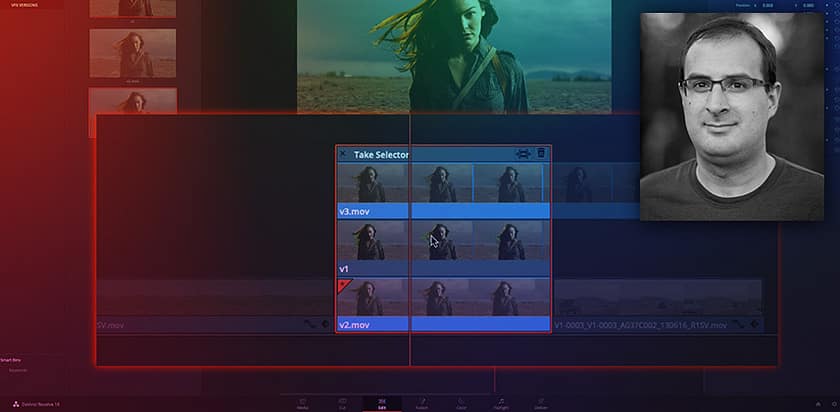
Download File





