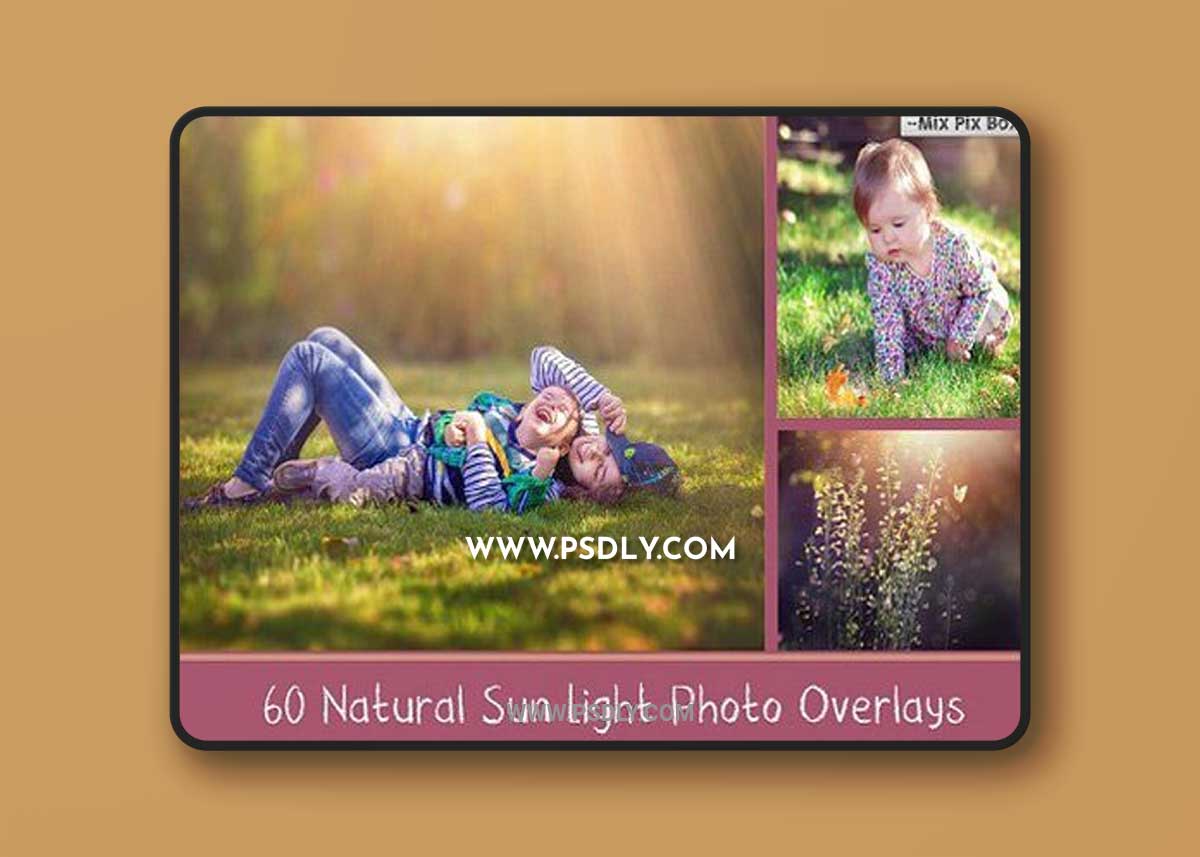
VERY easy to use ! Instructions step by step included. Open your image in Adobe Photoshop . Drag and drop any Sunlight Overlay on top of your photo. Select the Layer’s blending mode to SCREEN or HARDLIGHT. Resize if necessary (use ctrl+t). Erase parts of the overlays you don’t need. You can mix & match them, change opacity and mode for more darker or softer look, change colors of the overlay with hue/saturation tool.You will need basic knowledge of Adobe Photoshop and know how to work with the layers.DETAILS
- 60 photo overlays high resolution (5100x3450px – 300dpi – JPEG)
- Compatible with any software that allows you to work with layers ( Photoshop, Photoshop Elements, Paint Shop Pro, etc.)

Download File