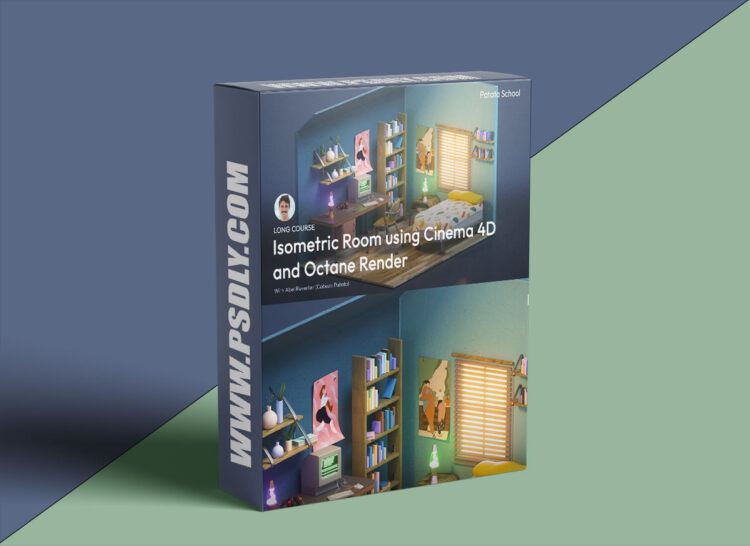
Tutorial Duration: 290 minutes | This is the perfect Cinema 4D modelling course for beginners and those more familiar with C4D alike. We’ll take you through the modelling of every element in this isometric room, teach you how to add colour, texture and lighting, and guide you through the final render in Octane.
Introduction to Cinema 4D
If you’re new to Cinema 4D, this is the section for you. Here we’ll teach you the basics of the programme so you’re confident to start creating.
If you’re already familiar with the programme and are ready to get onto the modelling, feel free to skip this section and jump into ‘Creating your Isometric Room’.
- 01 The C4D Workspace
- The Workspace Qui
- 02 Modifying Objects
- Modifying Objects Quiz
- 03 Creating Custom Geometry
- 04 Working with Splines
- Splines Quiz
- 05 Subdivision Surface
- Subdivision Surface
In this section we’ll model the room and all the objects in it. Each lesson will be focussed on a different object and include the corresponding C4D course file for your reference.
- 01 Building the Structure
- Starting Quiz
- 02 Bookshelf
- Bookshelf Quick Quiz
- 03 Desk
- 04 Computer
- Computer Quick Quiz
- 05 Plant Pots
- 06 Shelves
- 07 Headphones
- 08 Lava Lamp
- 09 Books
- 10 Posters
- 11 Bed
- Bed Quick Quiz
- 12 Chair
- 13 Window
- 14 Bedside Table
Here we’ll go through the render process for our Isometric Room. We’ll start by adding the lighting, go through the colour and texturing, and finally learn how to render out your image in Octane.
01 Lighting
- Lighting Quick Quiz
- 02 Colour & Texture Part 1
- 03 Colour & Texture Part 2
- Colour & Texture Quick Quiz
- 04 Final Render & Export






