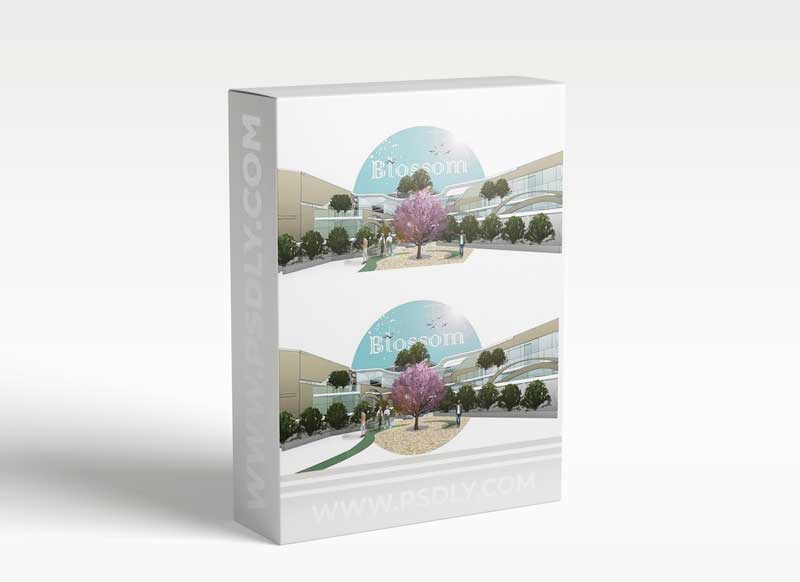
This class aims to form an understanding of the way Photoshop operates, while focusing on aspects most relevant to architects and architectural students. This understanding will be made by producing a render for a 3D image using Photoshop, transforming it from a single line drawing to a full-fledged 3D render that you can use for your posters and architectural visualisation. You do not need any prior experience with Photoshop; however, you will need a working version of Photoshop on your laptop.
In this class, you will learn (for both Windows and MacOS):
- All the relevant Photoshop tools for an architecture student/architect.
- The main elements of Photoshop and how to operate it using shortcuts.
- Adding materials through colouring, or importing textures
- Adding and manipulating images to add more elements.
- Adding figures and people in three styles – realistic (from scratch), silhouettes, and cartoonish.
- Applying final touches to post-process the render.
If that sounds like fun to you, please join me to spend an hour in learning this software that you will be using on a daily basis
Source
https://www.skillshare.com/classes/Photoshop-for-Architects-Rendering-an-Exterior-3D-View/2052650600
Category
Publisher
skillshare
Updated
july,18, 2021
Preview
1 image
Download File




