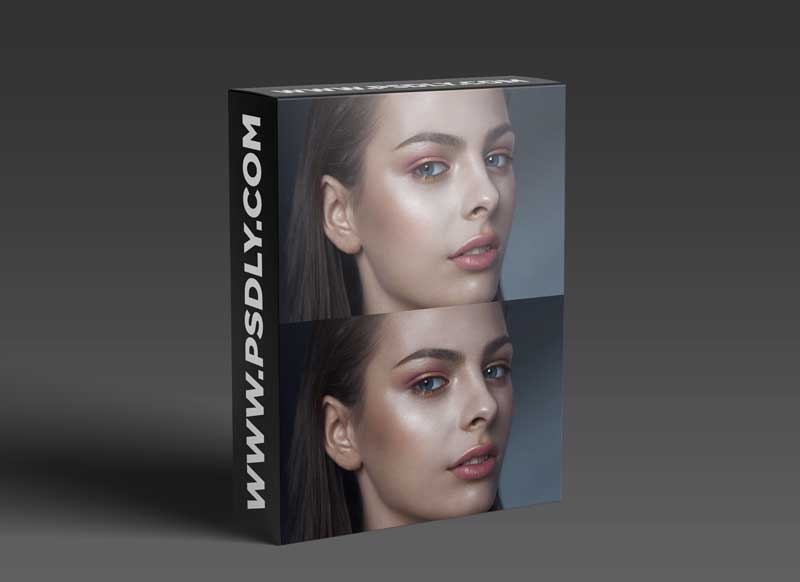

On the course you will receive:
- Lots of practice.
- New works in the portfolio.
- Skills and knowledge for working as a retoucher.
Who is this course for
- For beginners in retouching
who want to become professional retouchers and make money on it. - For practicing retouchers
who want to learn the intricacies of retouching photos, upgrade skills and increase earnings. - For photographers
who want to learn how to process their photos themselves.
Your results after the course
- master various photo processing techniques and retouching procedures ;
- you will understand Adobe Photoshop tools for retouching photos and understand how to use them depending on your goals;
- learn the theory from related fields – drawing, makeup, anatomy ;
- get a base for working with color in photography;
- gain knowledge and practical experience in order to begin a professional career in the field of retouching or continue at a higher level.
- during training, you will perform retouching as homework, which you then add to your portfolio.
Also during training you will receive:
- access to online webinars with a teacher;
- honest and detailed analysis of homework;
- video with the processing of real projects of the teacher;
- a lot of additional materials: macros, brushes, files with layers;
- access to lessons for 6 months or more (with the possibility of extension).
How will your training go?
- Payment and access to the course. After payment you get access to your personal account with lessons for six months or a year.
- Video lectures. Each lesson contains one or more videos that you can watch at your own pace.
- Practice. For each lesson, a homework has been prepared in your account, which you can do at a convenient time. Once a week there is a reception of homework.
- Live streams with the teacher. When the students of the chat have some interesting general question, a live webinar on this topic is held or a bonus lesson is recorded.
- Analysis of real projects. One of the features of retouching training is the analysis of real commercial projects – work on layers with explanations.
- Add. materials. The course has a lot of additional materials: lessons with real-time photo retouching, files with layers, macros, brushes, source codes and more.
- Communication. You get access to telegram chat with other students, where you can ask questions, show your retouch and get feedback, share tips and photos.
Download More Photography
Content Source: https://jenytalk.ru/courses/retouch-plus

Free Retouch + (2020) by Evgenia Fateeva Download
JenyTalkRu_-_Retouch____2020__-_Evgenia_Fateeva.part2.rar – 2.8 GB
JenyTalkRu_-_Retouch____2020__-_Evgenia_Fateeva.part3.rar – 2.8 GB





