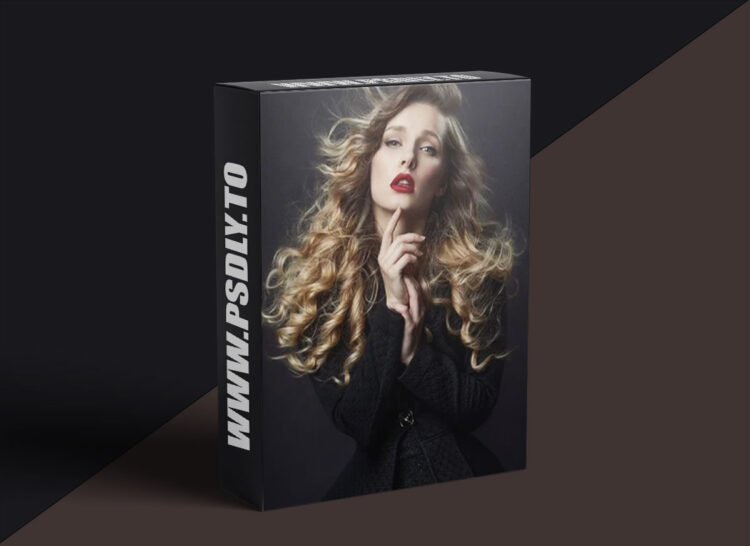
Source
https://sarahedmunds.live/categories/category-Stm7Qn7avvw
Category
File Size
162 MB
Publisher
sarahedmunds
Updated
July 07, 2025
Description
- This print eventually became part of my successful fellowship panel for The Society of Photographers in the UK.
- The capture was taken at the “Fine Art of Portraiture” Workshop held near London, UK in 2019, while I was setting up the lights for my students.
- It covers a detailed walkthrough of all the steps creating layers from scratch. It explains how to adjust lighting and composition details using Photoshop, including how to enhance the subject’s pose, slim down the silhouette affected by clothing, clean up the background, and perfect the skin through techniques like liquifying, dodge and burn, frequency separation, and more. It also details how to enhance specific features such as hair, lips, and the overall color grading of the image, resulting in a sophisticated retouched portrait that maintains a natural look. In this tutorial, I use Nik and Topaz software as well as Photoshop.
- 00:00 Introduction and lighting analysis
- 02:35 Pre-retouch Liquify
- 08:14 Frequency separation
- 22:29 Perfecting make-up in frequency separation
Preview
1 image
Download File