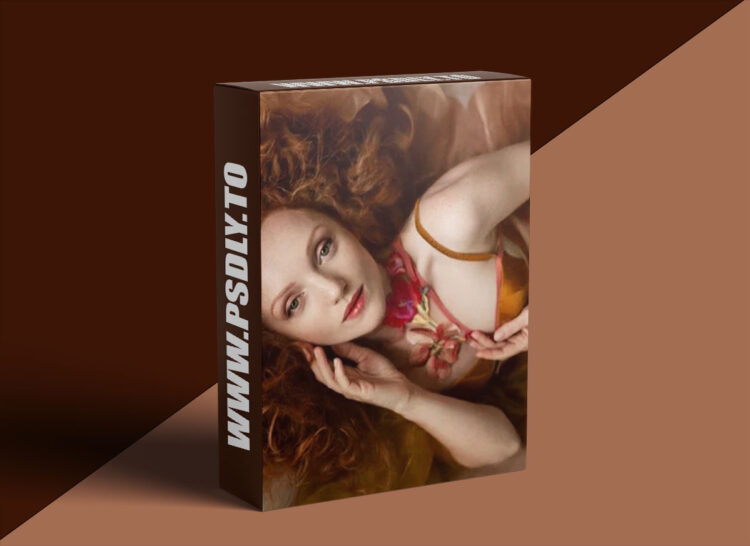
Source
https://sarahedmunds.live/programs/boudoir-naturallight-redhead-original-f8c5b6?category_id=198516
Category
File Size
373 MB
Publisher
sarahedmunds
Updated
July 06, 2025
Description
In this video Sarah begins by handpicking an image from a recent photoshoot in Wales. She then takes viewers through the initial adjustments in Lightroom, focusing on creating a softer lighting effect by fine-tuning exposure, shadows, highlights, and color vibrance to enhance the model’s features and give the image a dreamy, painterly quality.
Transitioning to Photoshop, the tutorial dives into more detailed retouching work, including perfecting skin using frequency separation, making structural adjustments like expanding the model’s hair, and refining the composition using tools like Warp and Puppet Warp. Sarah also addresses finer tasks such as defining lips, enhancing eye details, and balancing facial features.
Preview
1 image
Download File





