Source
https://saxonkent.com.au/products/saxon-kent-preset-pack
Category
File Size
14KB
Publisher
SAXON
Updated
April 21, 2022
Description
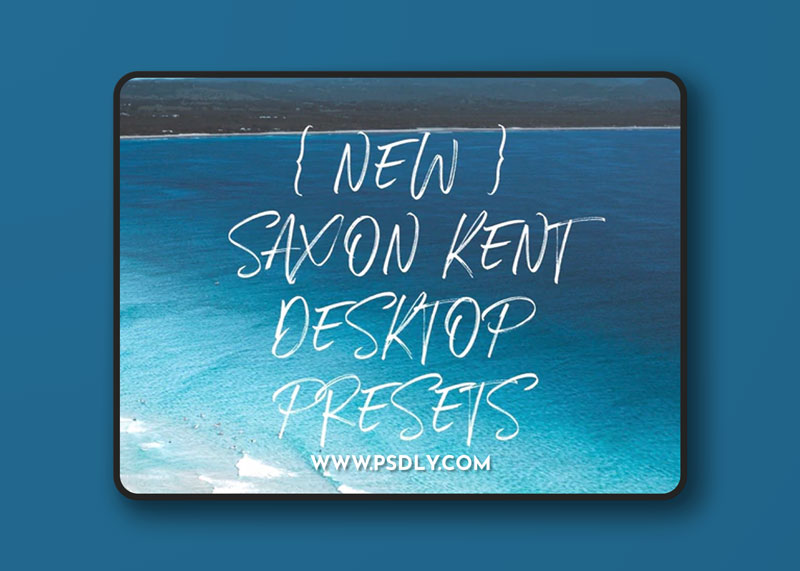
Get a head start on editing your photos in Adobe Lightroom with only these ONE click Lightroom presets. 10 custom made presets with a wide range looks, styling and vibes.
These are super easy to install, use and tweak for further customization. I spent the last 2 years customizing these photos and countless hours testing them with friends. These are the presets I use everyday when I edit for my Instagram.
**SUPER IMPORTANT**
Please DO NOT download these from your mobile phone! USE A DESKTOP OR LAPTOP COMPUTER!
Preset Pack Includes 10 Unique Presets
How To Install
FOR MAC
- Open Lightroom
- Go to: Lightroom (Dialogue) • Preferences • Presets
- Click on the box titled: Show Lightroom Presets Folder
- Double click on Lightroom
- Double click on Develop Presets
- Copy the folder(s) of your presets into Develop Presets folder
- Restart Lightroom
FOR WINDOWS
- Open Lightroom
- Go to: Edit • Preferences • Presets
- Click on the box titled: Show Lightroom Presets Folder
- Double click on Lightroom
- Double click on Develop Presets
- Copy the folder(s) of your presets into Develop Presets folder
- Restart Lightroom
Preview
3 images 1 / 3

2 / 3

3 / 3

Download File