Source
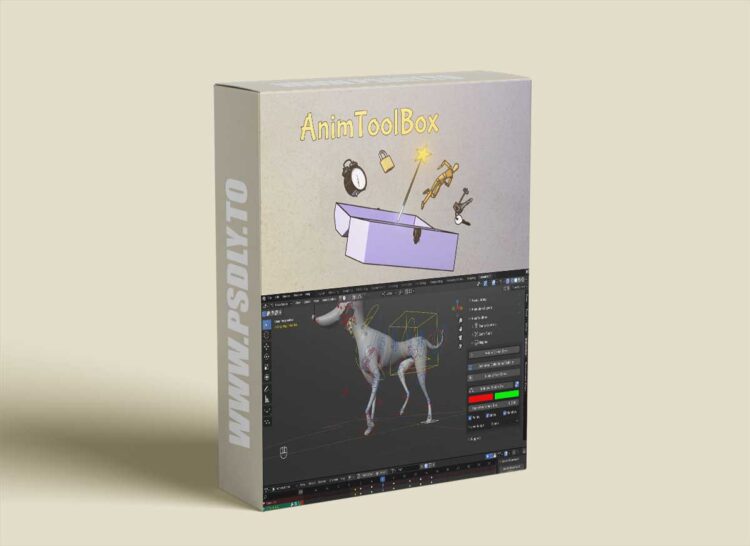
https://superhivemarket.com/products/animtoolbox
Category
File Size
242KB
Publisher
superhivemarket
Updated
April 23, 2025
Description
Lots of improvements to Editable Motion Path– Bezier Handles, Performance boost. New hotkeys (available only when hovering over keyframes).
It’s possible to change handle types such as aligned handles in the viewport using ‘V’ hotkey. Ctrl + T to change interpolation.
Zooming into keyframes with Blender’s numpad hotkey. Move Rotate and Scale keyframes using G R S hotkeys and also removing or adding new keyframes with Ctrl and Mouse click.
Editable Motion path is now working both for armature bones and objects.
Preview
1 image
Download Files