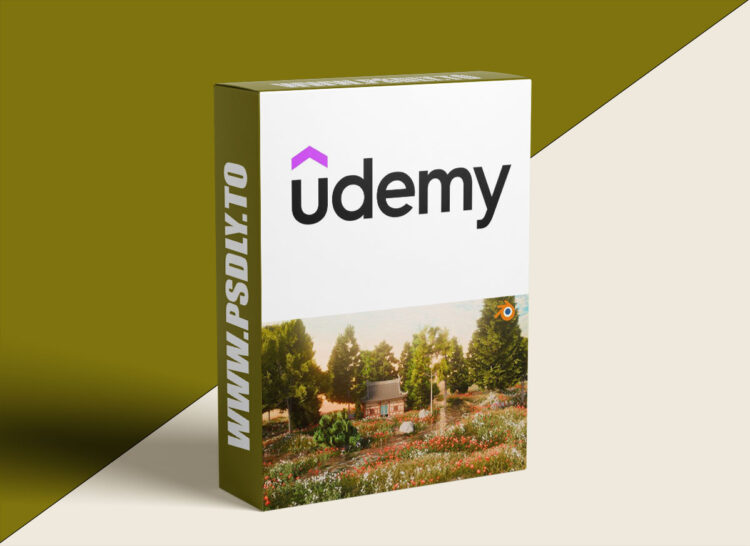
Have you ever wanted to create a cinematic forest environment filled with realistic trees, lighting, and atmosphere — just like in animated films and nature scenes?
In this course, you’ll learn how to design and render a beautiful cinematic forest scene in Blender, step by step, even if you’re a complete beginner!
This course is project-based — meaning you’ll learn by actually creating a full scene from start to finish. You’ll not only understand the tools but also how to use them creatively to achieve cinematic results.
What You’ll Learn:
- How to create and shape a realistic landscape for your forest scene
- Setting up camera angles and composition for a cinematic look
- Adding stones, trees, and foliage using free Blender assets
- Applying realistic materials and textures to your objects
- Setting up lighting and atmosphere for cinematic mood
- Working with camera animation to bring the scene to life
- Performing basic compositing and color correction inside Blender
- Setting up final render settings for high-quality cinematic output
Course Features:
- Step-by-step beginner-friendly lessons
- All assets, textures, and materials used are completely free
- Learn cinematography, lighting, and atmosphere design in 3D
- Works perfectly with Blender 4.0 and above
- Includes real project file to follow along easily
- Covers both artistic and technical aspects of environment creation
Who This Course Is For:
- Blender beginners who want to create realistic environments
- 3D artists who want to improve their lighting and cinematic composition
- Filmmakers and content creators interested in CGI forest scenes
- Anyone who wants to create nature or landscape visuals inside Blender
Requirements:
- No prior experience needed — this course is beginner-friendly
- A computer or laptop capable of running Blender smoothly
- Blender software (free to download)
- A creative mindset and passion for learning 3D cinematics
By the end of this course:
You’ll be able to create your own cinematic forest environments with lighting, animation, and rendering that look like professional movie shots — all using free tools inside Blender.





