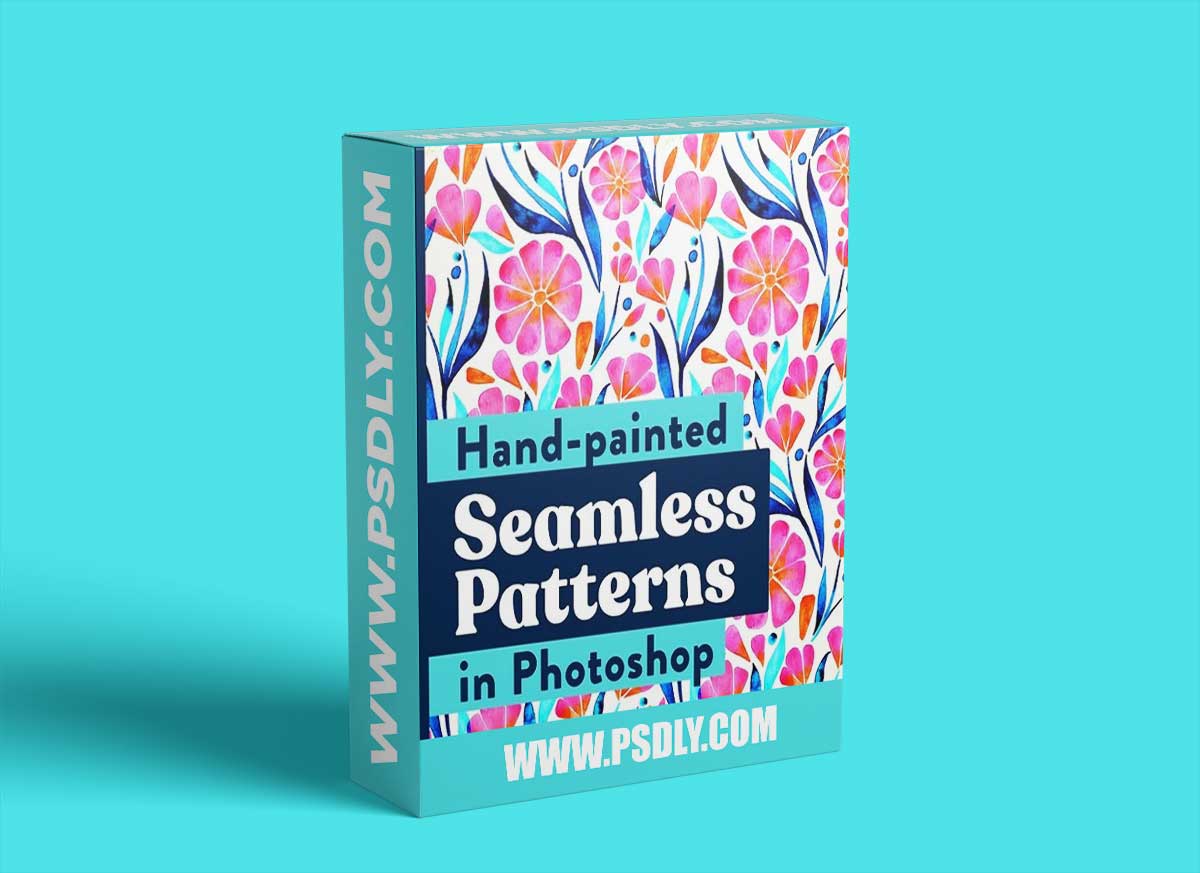
Source
https://www.skillshare.com/classes/Watercolor-a-Seamless-Pattern-Surface-Design-in-Adobe-Photoshop-for-Print-On-Demand/1054728
Category
File Size
2.8GB
Publisher
skillshare
Updated
March 15, 2022
Description
Want to learn how to turn your hand-painted artwork into seamless patterns in Adobe Photoshop? Repeat patterns are key to succeeding in surface design, especially with fabrics, wallpaper, and home decor products.
In this class, you’ll learn the full process, from watercolor painting to arranging your pattern on your computer, so you can sell your designs online through print-on-demand (POD) websites like Spoonflower, Society6, and Redbubble.
We’ll focus on the key steps to take when creating professional repeat patterns:
- Paint or draw your illustrations by hand.
- Digitize your artwork through scanning or photographing.
- Arrange your elements in Photoshop using the Pattern Fill tool.
- Create a variety of on-trend color palettes.
- Infuse metallic textures into your artwork.
- Arrange into a perfect seamless pattern.
- Upload your designs to print-on-demand sites.
Preview
1 image
Download File





